
On this page17
- What Are Security System Installers?
- What Do Security System Installers Actually Do?
- Why Professional Security System Installers Matter
- Common Systems Installed in Australia
- How to Choose Security System Installers in Australia
- Licensing, Compliance, and Admin Checks
- Residential vs Commercial Security System Installers
- Local vs Remote-Only Security Support
- Hiring Security System Installers
- Cost Factors for Security System Installers in Australia
- Firsthand-Style Insights From Security Projects
- Common Mistakes to Avoid
- What a Good Installation Handover Should Include
- Maintenance After Installation
- People Also Ask: Security System Installers in Australia
- Expert Q&A: Deeper Questions Before You Commit
- Conclusion
Not sure what your site needs?
A technical consultant from our Hallam office will look at the site and recommend a system, free of charge.
Request an assessment 1300 66 11 99Security system installers help Australian homes, businesses, schools, warehouses, offices, and strata properties protect people, property, and operations. From my experience reviewing security projects, the best results come when the installer understands the site, explains options clearly, and designs a system around real risks rather than selling the biggest package.
A good installation is not just about putting cameras, alarms, or access control devices on a wall. It is about planning sightlines, cabling, network security, user access, maintenance, monitoring, and handover. In Australia, buyers also need to consider licensing, privacy expectations, cyber security, insurance requirements, and practical site conditions such as heat, dust, rain, glare, and after-hours access.
Table of Contents
- What security system installers do
- definition
- Why professional installation matters
- Common systems installed in Australia
- How to choose security system installers
- Licensing, compliance, and admin checks
- Residential vs commercial security installation
- Comparison table: local vs remote-only support
- Numbered checklist for hiring an installer
- Cost factors in Australia
- Mistakes to avoid
- People Also Ask
- Expert Q&A
- Conclusion
What Are Security System Installers?
Security system installers are trained technicians who design, install, connect, test, and maintain security equipment such as CCTV cameras, alarms, access control, intercoms, and monitoring devices. In Australia, reliable installers assess site risks, follow licensing requirements, secure connected devices, and provide clear handover so users can operate the system confidently.
What Do Security System Installers Actually Do?
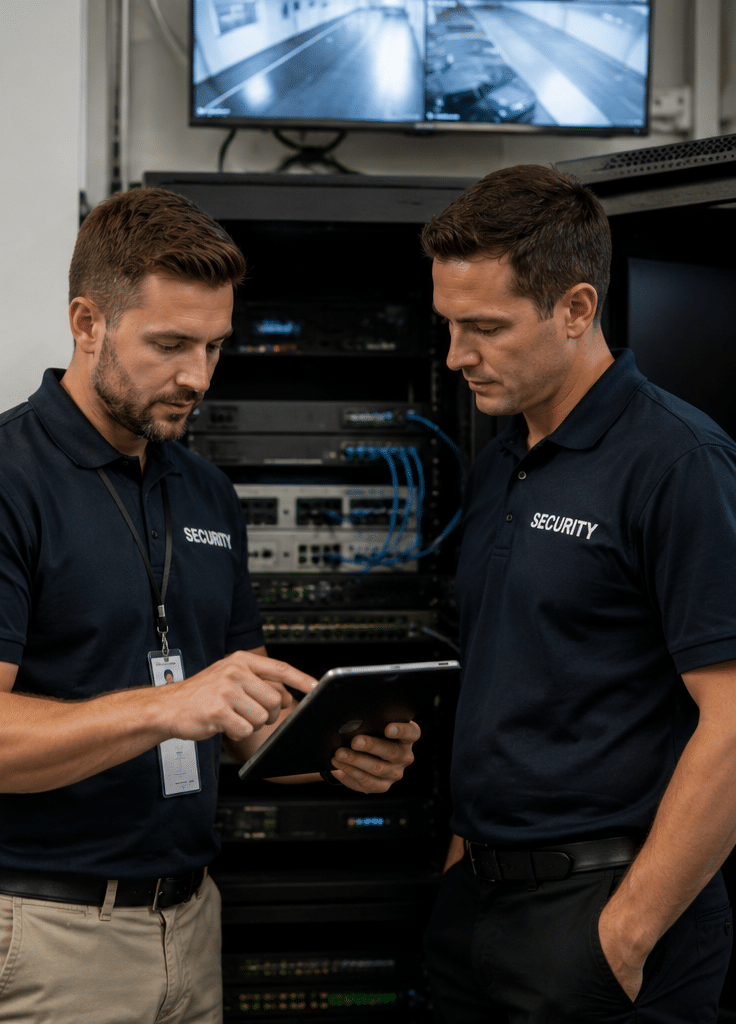
Security system installers turn a security plan into a working system. However, their role should start before any equipment is fitted. A proper installer first looks at the site, asks how the property is used, and identifies the most likely security risks.
For example, a small retail store may need CCTV at the entry, point of sale, stockroom, and rear loading door. A warehouse may need gate access control, motion detection, perimeter cameras, after-hours alerts, and user permissions for staff and contractors. Meanwhile, a residential property may need cameras, an alarm, video intercom, and app access that is simple for the household to use.
The work often includes:
- Site inspection and risk review
- Camera and sensor placement planning
- Alarm, CCTV, intercom, and access control installation
- Cabling, mounting, and device setup
- Network connection and app configuration
- User training and handover
- Testing, documentation, and maintenance planning
In short, security system installers should deliver a system that works on day one and remains manageable over time.
Why Professional Security System Installers Matter
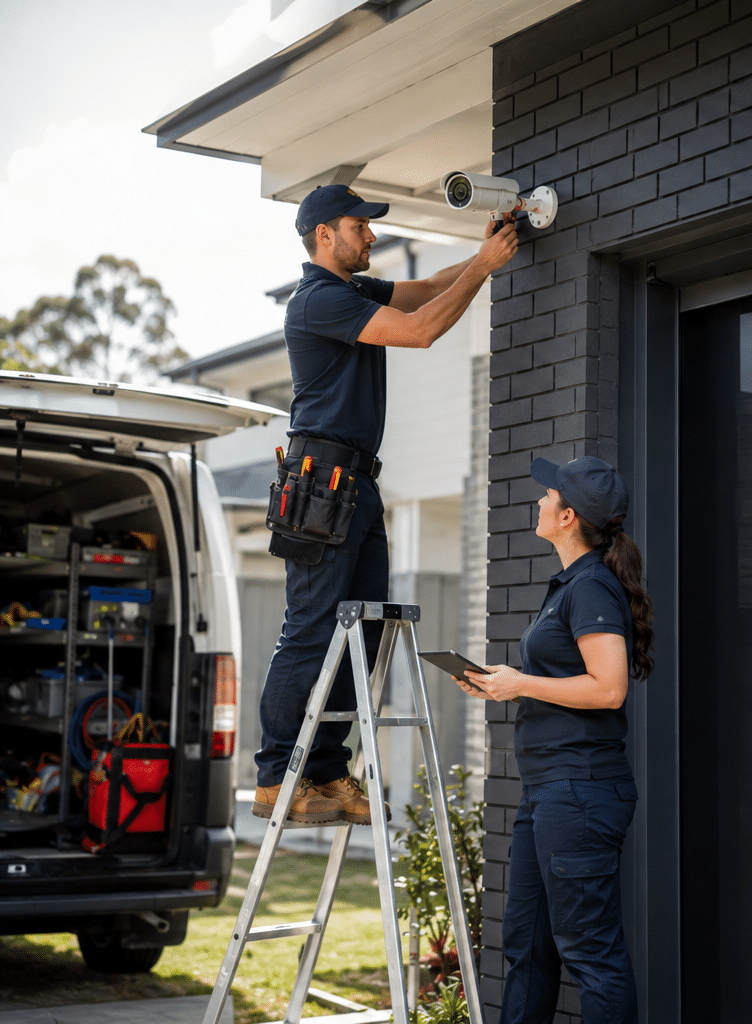
A security system can fail even when the equipment is good. Poor camera angles, weak passwords, messy cabling, incorrect detector placement, and rushed configuration can all reduce performance. Therefore, installation quality matters as much as the brand of equipment.
From my experience, many security problems are not caused by a lack of devices. Instead, they happen because devices are placed without a clear purpose. A camera may capture a wide area but miss faces. An alarm sensor may be triggered by pets, sunlight, or air movement. An access control reader may be installed well, but staff permissions may not be set up properly.
Professional security system installers reduce these risks by matching the equipment to the location. They consider lighting, height, weather exposure, entry routes, user behaviour, storage needs, and monitoring workflows.
In addition, modern security systems are often connected to the internet. This means cyber security is part of physical security. The Australian Cyber Security Centre notes that internet-connected devices, including security cameras, should have effective cyber security measures in place. That makes secure passwords, updates, and network separation important parts of the installation process: Australian Cyber Security Centre IoT guidance.
Common Systems Installed in Australia
Security system installers may work with one system or several connected systems. The best setup depends on your property type, risk level, budget, and daily operations.
CCTV Camera Systems
CCTV is one of the most common security upgrades in Australia. It helps record incidents, discourage unwanted behaviour, and support investigations after an event. However, CCTV should be planned carefully.
Good installers check:
- Camera field of view
- Night performance
- Glare from sun or headlights
- Weather resistance
- Storage capacity
- Remote viewing access
- Signage and privacy expectations
For businesses, CCTV should usually cover entries, exits, service counters, storage areas, car parks, loading zones, and blind spots. For homes, common areas include front doors, driveways, side access, garages, and rear yards.
Intruder Alarm Systems
Alarm systems detect unauthorised entry or movement. They may include reed switches, motion sensors, glass-break detectors, sirens, keypads, and app alerts.
Security system installers should place sensors where they detect genuine activity without creating regular false alarms. This is important because false alarms frustrate users and may cause people to stop using the system.
A good alarm design considers pets, air conditioning, curtains, sunlight, insects, and high-traffic areas.
Access Control Systems
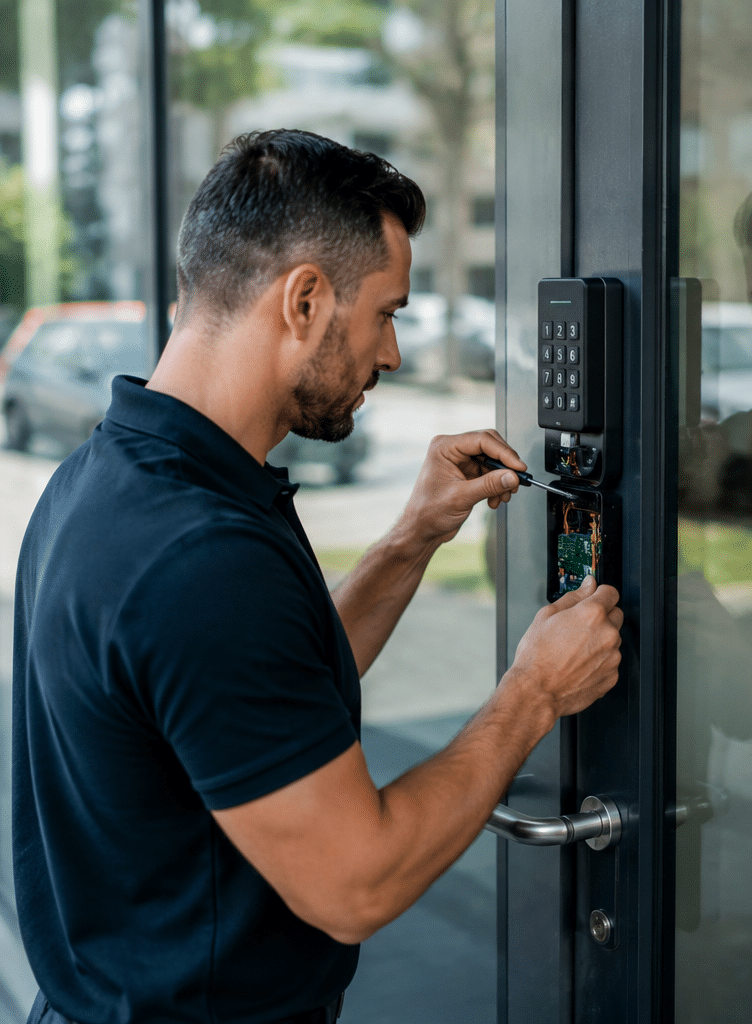
Access control manages who can enter a site, room, gate, or restricted area. This may involve swipe cards, PINs, mobile credentials, biometric readers, electric locks, or gate controls.
For commercial properties, access control can improve accountability. It can also reduce the need to rekey locks when staff leave. However, permissions must be planned properly. For example, a cleaner may need after-hours access to certain areas but not to offices, server rooms, or stock cages.
The Australian national security guidance for critical infrastructure notes that security plans can include access control arrangements, authorised personnel, response procedures, visitor controls, and protection of information systems. While not every small business is critical infrastructure, these principles are useful for practical security planning: Australian National Security critical infrastructure guidance.
Intercom and Video Entry Systems
Intercom systems help residents, reception staff, or site managers verify visitors before granting entry. Video intercoms are common in homes, apartments, offices, medical suites, and gated properties.
A good installer will consider entry location, lighting, network connection, call routing, mobile app access, and fail-safe operation during outages.
Monitoring and Alerts
Some systems send alerts to a phone. Others connect to a monitoring centre. The right option depends on your risk level and response needs.
For example, a homeowner may only need app alerts. However, a business with valuable stock may prefer monitored alarms, escalation contacts, and after-hours response procedures.
How to Choose Security System Installers in Australia
Choosing security system installers should not be based on price alone. A cheap installation can become expensive if the system creates false alarms, misses important footage, or needs rework.
Start by asking whether the installer has experience with your type of site. Residential, retail, warehouse, school, strata, and industrial sites all have different needs.
Next, ask how they assess risk. A good installer should explain why each device is needed and where it should go. They should also be able to explain what the system will not do. This balanced approach builds trust because no security system can remove every risk.
You should also check whether the installer provides documentation. At minimum, a quality handover should include user instructions, device locations, warranty details, maintenance advice, and support contact information.
For Australian homes and businesses looking for practical security advice, Eclipse Security provides local support for security design, installation, and maintenance through trusted security installation services for Australian properties.
Licensing, Compliance, and Admin Checks
Security licensing in Australia is managed by states and territories. Because requirements can vary, buyers should confirm the relevant licence or registration for their location before work begins.
For example, Queensland describes a security equipment installer licence as covering the installation, repair, service, or maintenance of equipment such as alarms, monitoring systems, audio or visual recording systems, access control devices, motion detectors, locks, safes, and vaults: Queensland security equipment installer licence information.
This is not legal advice. It is an administrative reminder. Before hiring security system installers, ask for licence details, insurance information, warranty terms, and a written scope of work. For commercial or regulated environments, have compliance requirements reviewed by the appropriate licensed professional, insurer, building manager, or legal adviser.
Important admin checks include:
- Security licence or registration where required
- Public liability insurance
- Product warranty terms
- Workmanship warranty terms
- Written quote and scope
- Maintenance options
- Data access and user permission process
- Privacy signage where relevant
These checks protect both the buyer and the installer. They also reduce confusion if support is needed later.
Residential vs Commercial Security System Installers
Residential and commercial installations often use similar equipment, but the design priorities differ.
For homes, the focus is usually convenience, family safety, entry points, garage access, and simple app control. The system must be easy to arm, disarm, and check. If it is too complex, people may stop using it.
For businesses, the system often needs more structure. Staff permissions, access logs, storage retention, multi-site access, and maintenance reporting may matter. A business may also need integration between CCTV, alarm, access control, and monitoring.
A good installer will adapt the design instead of using the same package for every site.
Key Differences
| Area | Residential Installation | Commercial Installation |
| Main goal | Protect family, vehicles, doors, and outdoor areas | Protect staff, stock, assets, records, and operations |
| Common devices | Cameras, alarm, video doorbell, intercom | CCTV, alarm, access control, intercom, monitoring |
| User setup | Family members and trusted visitors | Staff, managers, contractors, cleaners, suppliers |
| Support needs | Simple training and app setup | Documentation, permissions, reporting, maintenance |
| Risk level | Varies by suburb and property layout | Varies by industry, site size, assets, and hours |
| Planning focus | Ease of use and coverage | Accountability, uptime, integration, and procedures |
Local vs Remote-Only Security Support
Some security providers focus on local service. Others rely heavily on remote support. Both can be useful, but they suit different needs.
| Option | Strengths | Limits | Best For |
| Local on-site support | Better site assessment, faster physical fixes, practical advice | May cost more than basic remote-only help | Homes, retail, warehouses, strata, schools, offices |
| Remote-only support | Convenient for software settings and quick checks | Cannot fix cabling, mounting, power, or physical placement | Minor configuration changes and user support |
| Hybrid support | Combines on-site installation with remote troubleshooting | Needs clear support terms | Most modern CCTV, alarm, and access control systems |
For most properties, hybrid support is the most practical option. You get proper on-site installation, then remote help for smaller adjustments.
Hiring Security System Installers
Use this checklist before approving a quote.
- Define the problem first
List what you want to prevent, detect, or record. For example, after-hours entry, stock loss, vehicle damage, unauthorised access, or visitor management. - Walk the site with the installer
Ask them to explain risks at entries, blind spots, service areas, storage rooms, car parks, and staff-only zones. - Confirm licensing and insurance
Check the installer’s licence or registration where required in your state or territory. Also request proof of insurance. - Ask for a written scope
The quote should show devices, locations, inclusions, exclusions, warranty terms, and whether cabling, mounting, configuration, and training are included. - Check cyber security settings
Ask how passwords, app access, firmware updates, remote viewing, and network security will be handled. - Review storage and retention
For CCTV, ask how many days of footage are expected. Treat storage length as an estimate because it depends on camera count, resolution, motion, and recording settings. - Plan user permissions
Decide who can view cameras, change settings, arm alarms, unlock doors, and export footage. - Test the system before handover
Walk through camera views, alarm zones, app alerts, access credentials, and intercom calls. - Request training
Make sure key users know how to operate the system, respond to alerts, and avoid common mistakes. - Book maintenance
Set a review schedule for cleaning cameras, checking batteries, testing alarms, updating firmware, and reviewing access lists.
Cost Factors for Security System Installers in Australia
Security installation costs vary widely. Any price guide should be treated as an estimate because every site is different.
The main cost factors include:
- Number of cameras, sensors, readers, or intercom stations
- Building size and layout
- Cable distance and access difficulty
- Single-storey or multi-storey installation
- Indoor vs outdoor equipment
- Recording quality and storage requirements
- Monitoring needs
- Access control complexity
- Network configuration
- After-hours work requirements
- Maintenance and support terms
For example, a basic home CCTV installation with a few cameras is usually simpler than a multi-door commercial access control system. Likewise, a warehouse with high ceilings, long cable runs, and external cameras may take longer than a small office.
The best approach is to get a site-specific quote. A reliable installer should explain what drives the price and where you can save money without weakening the system.
Firsthand-Style Insights From Security Projects
From my experience, the most effective security systems are rarely the most complicated ones. They are the systems people actually use every day.
For instance, a business may invest in access control but forget to remove old staff credentials. As a result, the system looks strong but remains exposed. Similarly, a homeowner may buy high-resolution cameras but place them too high, which makes faces hard to identify.
Another common issue is poor handover. If users do not know how to arm an alarm, review footage, or manage app access, the system will not deliver its full value.
Therefore, strong security system installers focus on three things: good design, clean installation, and clear training.
Common Mistakes to Avoid
Choosing Devices Before Defining Risks
Many buyers start with equipment. However, the better starting point is risk. Ask what you need to protect, where incidents are likely to happen, and who needs access.
Ignoring Lighting Conditions
Cameras need usable light. Bright sun, shadows, headlights, and poor night lighting can reduce image quality. A professional installer should check lighting at different times where possible.
Using Shared Logins
Shared logins create accountability problems. Instead, each authorised user should have their own access where the system supports it.
Forgetting Maintenance
Security systems need maintenance. Cameras get dirty, batteries weaken, firmware ages, and user lists become outdated. Regular maintenance keeps the system useful.
Overlooking Cyber Security
Connected cameras, alarms, and intercoms need secure setup. Default passwords, exposed remote access, and unmanaged apps can create avoidable risks.
What a Good Installation Handover Should Include
A professional handover should be practical and clear. It should not leave the customer guessing.
Ask for:
- User guide or quick-start instructions
- Camera and sensor location list
- Alarm zone names
- Access control user list or admin process
- App setup instructions
- Warranty details
- Maintenance recommendations
- Support contact details
- Basic troubleshooting steps
For commercial sites, documentation is especially important. Staff may change, managers may move roles, and future technicians may need to understand the original setup.
Maintenance After Installation
Security system installers may also provide maintenance. This is valuable because systems change as buildings, staff, and risks change.
A maintenance visit may include:
- Cleaning camera lenses
- Checking camera angles
- Testing alarm sensors
- Testing sirens and alerts
- Reviewing access permissions
- Checking backup batteries
- Updating firmware where appropriate
- Confirming recording and storage
- Testing remote viewing
- Reviewing false alarms
For businesses, maintenance records can also help with internal reporting and insurance discussions. However, insurance requirements vary, so always confirm them with your insurer.
People Also Ask: Security System Installers in Australia
1. Do security system installers need a licence in Australia?
In many cases, yes. Licensing rules vary by state and territory, so you should check the relevant regulator before hiring. Ask the installer for licence or registration details and confirm that the licence matches the type of work being done.
2. What should I ask before hiring security system installers?
Ask about licensing, insurance, experience with similar properties, warranty terms, maintenance, cyber security settings, and handover training. Also ask why each camera, sensor, or access point is recommended.
3. Are wired or wireless security systems better?
Wired systems are often preferred for reliability, especially in commercial settings. However, wireless systems can suit some homes or smaller sites where cabling is difficult. The right choice depends on the property, risk level, budget, and support needs.
4. How long does security system installation take?
A simple residential installation may take less time than a complex commercial project. Timing depends on the number of devices, cabling difficulty, building access, network setup, and testing. Ask for an estimated schedule in the written quote.
5. Can security system installers maintain existing systems?
Many installers can service, repair, or upgrade existing systems. However, they may need to inspect the equipment first. Older systems may have limited parts, weak cyber security, or poor compatibility with modern apps and monitoring.
Expert Q&A: Deeper Questions Before You Commit
1. How do I know if a quote from security system installers is complete?
A complete quote should include equipment, installation labour, cabling, configuration, testing, training, warranty terms, exclusions, and ongoing costs. If a quote only lists products, ask for more detail before approving it.
2. Should my CCTV system record continuously or only on motion?
Both options can work. Continuous recording provides a fuller timeline, while motion recording can save storage. The best setting depends on the site, camera locations, storage size, and how much activity occurs each day.
3. Who should have admin access to my security system?
Admin access should be limited to trusted people who need it. For businesses, use role-based access where possible. Review access whenever staff leave, contractors finish work, or management changes.
4. What is the biggest sign of a poor installation?
The biggest warning sign is a system that has not been tested with the user. If the installer cannot show clear camera views, working alerts, correct alarm zones, and user access before leaving, the handover is incomplete.
5. How often should security systems be reviewed?
Many properties benefit from at least an annual review. However, higher-risk sites may need more frequent checks. Review the system whenever you renovate, change staff access, add stock areas, experience an incident, or change operating hours.
Conclusion
Security system installers play an important role in protecting Australian homes and businesses. The right installer does more than fit devices. They assess risk, explain options, install cleanly, configure securely, test thoroughly, and train users properly.
Before choosing an installer, check licensing, insurance, documentation, cyber security practices, and maintenance support. Also make sure the system is designed around your real risks, not just a generic equipment bundle.
A well-planned system can improve visibility, control access, support incident review, and give users more confidence. For practical help choosing and installing the right system for your property, speak with Eclipse Security and start with a site-specific security review.