On this page47
- What Are Commercial Security Systems & Services Melbourne?
- What Do Commercial Security Systems Include?
- Why Melbourne Businesses Need a Risk-Based Security Approach
- Key Components of Commercial Security Systems & Services Melbourne
- 1. CCTV Security Camera Systems
- Access Control for Melbourne Commercial Properties
- Commercial Alarm Systems
- Security Monitoring and Incident Response
- Intercoms and Visitor Entry
- Standalone vs Integrated Commercial Security Systems
- Cyber Security Is Now Part of Physical Security
- Victorian Licensing for Commercial Security Services
- CCTV, Privacy and Workplace Surveillance
- Commercial Security Installation Process
- 10-Step Commercial Security Installation Checklist
- Designing Commercial Security for Different Melbourne Sites
- Offices
- Warehouses
- Retail Premises
- Schools and Education Facilities
- Industrial Sites
- Why Security System Maintenance Matters
- User Management Is Part of Security Maintenance
- Choosing Commercial Security Systems & Services Melbourne
- Commercial Security Cost Considerations
- Common Commercial Security Planning Mistakes
- Buying Equipment Before Assessing Risk
- Focusing Only on Camera Resolution
- Ignoring Staff Workflows
- Forgetting Network Security
- Keeping Former Users Active
- Failing to Test Recordings
- Neglecting Maintenance
- No Incident Procedure
- People Also Ask About Commercial Security Systems & Services Melbourne
- What security system is best for a commercial property in Melbourne?
- How much do Commercial Security Systems & Services Melbourne cost?
- Do Melbourne businesses need licensed security installers?
- Can CCTV, alarms and access control work together?
- Do commercial security systems need regular maintenance?
- Expert Q&A: Commercial Security Systems & Services Melbourne
- 1. Should a business replace an old security system or upgrade it?
- 2. How should a multi-site business manage commercial security?
- 3. How can businesses improve CCTV evidence quality?
- 4. What should happen when an employee leaves the company?
- 5. How often should a commercial security design be reviewed?
- Conclusion: Building a More Reliable Commercial Security Strategy
Not sure what your site needs?
A technical consultant from our Hallam office will look at the site and recommend a system, free of charge.
Request an assessment 1300 66 11 99Choosing the right Commercial Security Systems & Services Melbourne solution is about much more than installing a few cameras at the front door. Melbourne businesses may need to protect staff, customers, stock, equipment, intellectual property, loading areas and restricted rooms while still allowing people to move through the workplace efficiently.
A strong commercial security setup therefore starts with risk. It considers how people enter the building, where valuable assets are kept, when the premises are unattended, how incidents are detected and who receives an alert when something goes wrong.
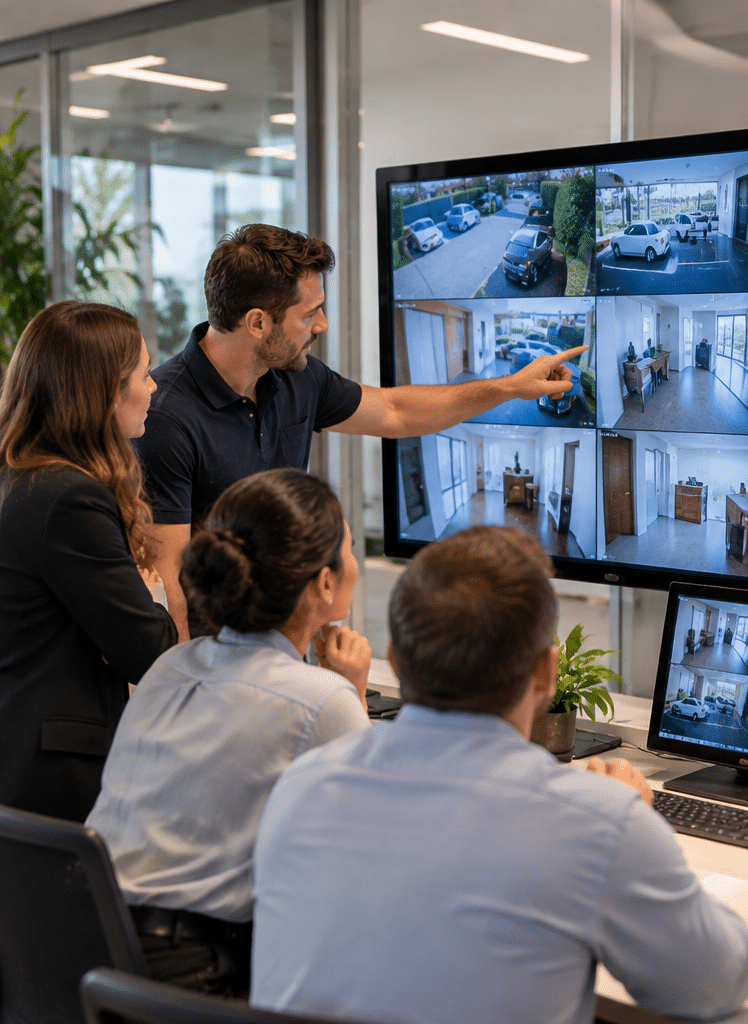
From a practical assessment perspective, one of the most common mistakes is treating CCTV, alarms and access control as separate purchases. A better approach is to consider how the systems can work together. For example, an access-control event may help identify who entered an area, while CCTV provides visual context and an alarm can trigger an agreed response.
Eclipse Security Systems lists commercial CCTV, access control, intercom systems, alarms, security monitoring, installation and maintenance among the solutions it supplies for business and commercial premises.
This guide explains how commercial security systems work, what Melbourne businesses should consider before installation, how different technologies compare and what ongoing maintenance and administration may involve.
What Are Commercial Security Systems & Services Melbourne?
Commercial Security Systems & Services Melbourne refers to professionally designed, installed and maintained solutions that protect Melbourne businesses through CCTV, access control, alarms, intercoms, monitoring and system integration. The aim is to reduce security gaps, improve incident visibility, control entry and support faster, more consistent responses when an event occurs.
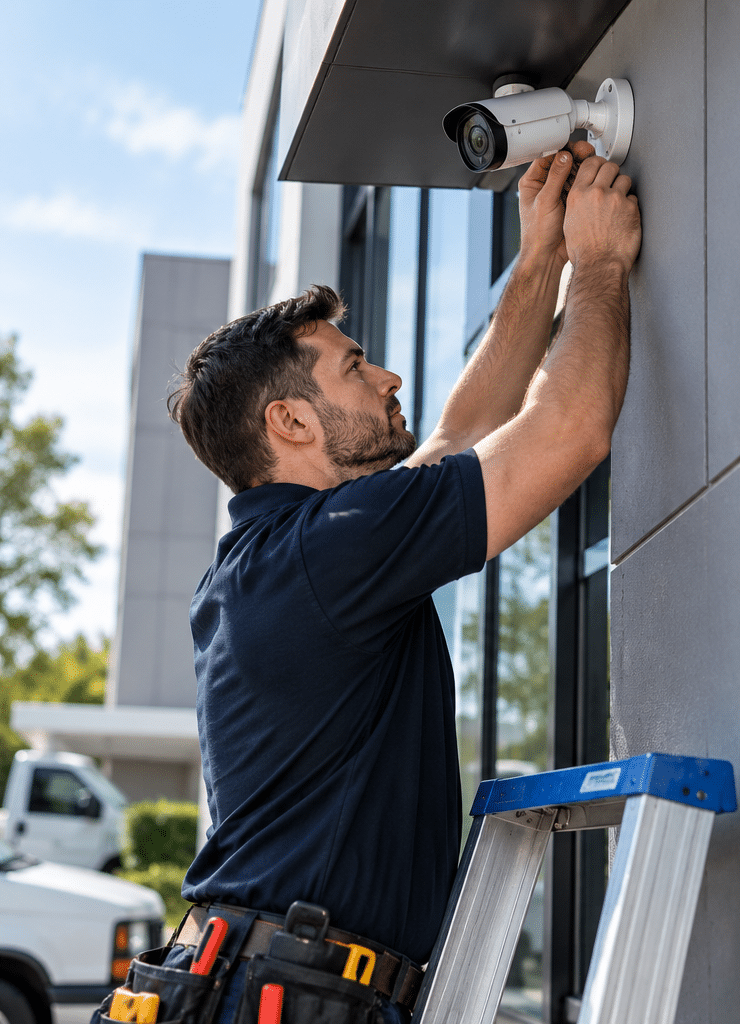
Table of Contents
- What commercial security systems include
- Why Melbourne businesses need a risk-based approach
- The main components of a commercial security system
- CCTV security cameras for Melbourne businesses
- Access control systems
- Commercial alarm systems
- Security monitoring and response
- Intercom and visitor management
- Integrated versus standalone security systems
- Cyber security for connected security equipment
- Victorian licensing and administrative considerations
- Privacy and CCTV responsibilities
- Commercial security installation process
- Security maintenance and system lifecycle
- Choosing a Melbourne commercial security provider
- Common security planning mistakes
- People Also Ask
- Expert Q&A
- Conclusion
What Do Commercial Security Systems Include?
Modern Commercial Security Systems & Services Melbourne can combine several technologies rather than relying on one device.
Depending on the site, these may include:
- CCTV security cameras
- Network video recorders
- Access control readers
- Electronic door locks
- Intruder alarms
- Motion and door sensors
- Intercom systems
- Video intercoms
- Professional alarm monitoring
- Duress or panic functions where appropriate
- Remote alerts
- Security system networking
- Backup power
- System maintenance
- User and credential administration
- Integration between CCTV, alarms and access control
However, more technology does not automatically create better security.
The important question is whether each component addresses an identified risk.
For example, adding ten extra cameras may offer little value if the existing system cannot produce useful footage at important entrances. Similarly, installing electronic access control will not solve every problem if former employees remain active in the credential database.
Therefore, commercial security design should start with the site rather than with a product catalogue.
Why Melbourne Businesses Need a Risk-Based Security Approach
Melbourne commercial properties vary enormously.
A small professional office in the CBD has different requirements from a warehouse in Melbourne's south-east. Likewise, a school, medical facility, retail store, industrial property and multi-building commercial site each have different operating patterns.
A sensible security assessment considers factors such as:
- opening and closing hours
- staff numbers
- visitor traffic
- delivery access
- high-value equipment
- stock storage
- restricted areas
- external doors and gates
- car parks
- loading bays
- after-hours activity
- existing security infrastructure
- internet and network availability
- future expansion
The Australian Signals Directorate's current physical-security guidance explains the broader principle of defence in depth, where multiple security layers are used rather than relying on one control. Although its guidance is primarily designed for government and larger organisations, the principle is useful for commercial security planning as well.
Businesses can review the Australian Government physical security guidance when considering how physical and digital controls can work together.
For a normal commercial site, layered protection may look like this:
Layer one: perimeter lighting, fencing, gates and controlled entry.
Layer two: CCTV and intrusion detection around entrances and vulnerable areas.
Layer three: access control around internal restricted areas.
Layer four: monitoring, alerts and documented response procedures.
Layer five: maintenance, user reviews and incident follow-up.
Therefore, the objective is not simply to detect an incident. Good security should also help prevent unnecessary access, produce useful information and support a predictable response.
Key Components of Commercial Security Systems & Services Melbourne
1. CCTV Security Camera Systems
CCTV is one of the most visible parts of commercial security.
However, image quality alone does not define a good CCTV installation.
A commercial system should consider:
- what the camera needs to see
- lighting conditions
- expected viewing distance
- whether identification is important
- recording duration
- storage capacity
- night-time performance
- network capacity
- remote viewing requirements
- camera position
- maintenance access
- privacy considerations
For example, a wide-angle camera may provide useful general coverage of a warehouse floor. However, a different camera position or lens may be required at an entrance where facial identification is important.
Similarly, a camera facing strong sunlight may produce poor footage even when its technical resolution is high.
Therefore, installation position matters just as much as camera specifications.
Recording and Storage
Commercial CCTV usually records to a network video recorder, server or another approved storage environment.
Retention time varies according to:
- the number of cameras
- recording resolution
- frame rate
- motion recording configuration
- compression
- available storage
- organisational requirements
There is no universal retention period that is suitable for every Australian business.
Instead, businesses should decide what information they genuinely need, how long they need it and whether privacy, insurance, contractual or industry obligations affect that decision.
It is also worth checking footage regularly.
A recorder that appears operational may still have a failed drive, incorrect date and time, or insufficient retention. Consequently, maintenance should include actual playback tests rather than simply checking whether cameras appear online.
Access Control for Melbourne Commercial Properties
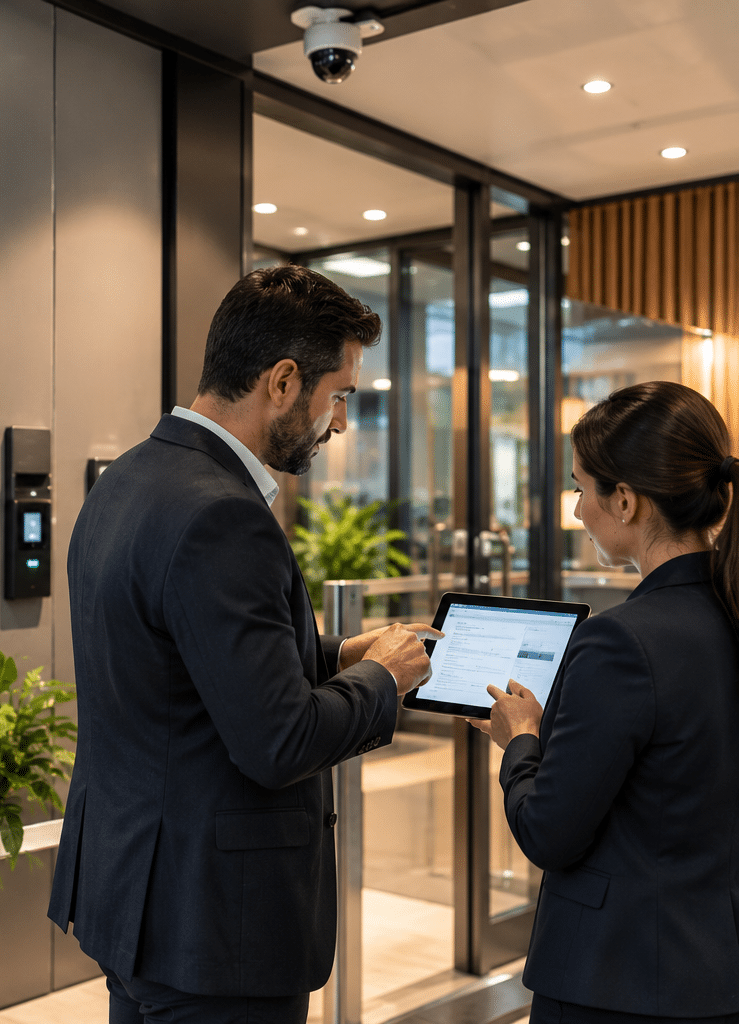
Access control determines who can enter a building, room, gate or restricted zone.
Instead of relying only on physical keys, businesses can use credentials such as:
- access cards
- fobs
- mobile credentials
- PINs
- approved biometric systems where appropriate
The main benefit is administrative control.
If an employee leaves, their credential can normally be disabled without changing every physical lock. Furthermore, access permissions can be assigned according to role, location or time.
For example, administration staff may need normal office access while authorised warehouse staff also require entry to storage areas.
This becomes especially useful at sites with many doors, contractors or changing staff.
However, access control should not be installed without understanding daily workflows.
A system that is too restrictive can cause operational problems. Staff may prop doors open, share credentials or bypass procedures if the design makes normal work difficult.
Therefore, good Commercial Security Systems & Services Melbourne planning balances security and usability.
Useful Access-Control Questions
Before installation, consider:
- Which doors actually need electronic control?
- Who needs access?
- During what hours?
- Are contractors treated differently?
- Who can approve new users?
- Who removes former staff?
- Are access events logged?
- What happens during a power interruption?
- How are emergency and life-safety requirements handled?
- Does the organisation need integration with CCTV or alarms?
These questions are often more important than choosing between two reader models.
Commercial Alarm Systems
An intruder alarm detects events that may indicate unauthorised access.
Depending on the site, a commercial alarm system can include:
- door contacts
- motion detectors
- glass-break detection
- internal sirens
- external warning devices
- keypads
- partitions or zones
- communication modules
- remote alerts
- monitoring connections
A warehouse may need different detection from a small office. Likewise, environmental conditions can influence sensor selection.
Poorly designed systems can also create nuisance alarms.
For that reason, installers should consider normal movement patterns, cleaning staff, delivery schedules, pets where relevant, airflow and other environmental conditions.
The alarm should then be divided into sensible areas where necessary.
For example, an office section may need different arming rules from a warehouse or loading area.
Security Monitoring and Incident Response
An alarm that makes noise locally is useful. However, someone still needs to know that it has activated.
Professional monitoring adds a response process.
Eclipse Security Systems states that its monitored alarms can connect to a Grade A1 monitoring control room and that documented customer instructions guide how operators respond to alarm events.
The important point for any commercial monitoring arrangement is to define the response before an incident occurs.
Businesses should keep information such as the following current:
- authorised contacts
- call order
- after-hours numbers
- site instructions
- escalation procedures
- patrol instructions where applicable
- changed staff responsibilities
- emergency information
Otherwise, even technically reliable monitoring may be less effective.
For example, calling an employee who left the business six months ago wastes valuable time.
Therefore, contact-list maintenance should be treated as part of the security system, not as an administrative afterthought.
Intercoms and Visitor Entry
Intercom systems help staff communicate with visitors before granting access.
Commercial options can include:
- audio intercoms
- video intercoms
- multi-station systems
- reception interfaces
- door-release integration
- access-control integration
Eclipse describes commercial intercoms as suitable for environments including businesses, schools, hospitals and factories, with systems that can support entry management and wider communication functions.
For a small office, an intercom may simply connect the front entrance to reception.
At a larger site, however, it may form part of a visitor-management workflow. A delivery driver could call from a gate, staff could confirm the reason for entry and authorised personnel could then release the gate.
As a result, an intercom is often most useful when considered together with CCTV and access control.
Standalone vs Integrated Commercial Security Systems
Businesses often need to decide whether each security system should operate separately or whether multiple systems should be integrated.
| Area | Standalone Security | Integrated Security |
| Initial design | Usually simpler | Requires more planning |
| CCTV | Operates independently | Can be linked with alarms or access events |
| Access control | Separate user management | May share event information with other systems |
| Alarm response | Alarm events viewed separately | Events may be linked to relevant cameras |
| Administration | Multiple interfaces may be needed | Centralised management may be possible |
| Expansion | Can be easy for small sites | Often better suited to larger or growing sites |
| Troubleshooting | Individual systems easier to isolate | Integration needs skilled support |
| Best suited to | Small or simple premises | Multi-door, multi-building or complex sites |
Neither option is automatically better.
A small office may only require a straightforward alarm and several cameras. Therefore, complex integration may add unnecessary cost.
On the other hand, a warehouse with several entrances, loading docks, internal zones and after-hours activity may benefit substantially from integrated systems.
The right architecture depends on business risk, site size and operational needs.
Cyber Security Is Now Part of Physical Security
Many security devices now connect to networks.
CCTV recorders, cameras, access-control systems and alarm communication devices may therefore have both physical-security and cyber-security considerations.
Basic protective measures can include:
- changing default credentials
- using strong unique passwords
- restricting administrator access
- keeping supported firmware current
- separating security systems appropriately from other networks
- reviewing remote-access permissions
- disabling unused accounts
- backing up configurations where appropriate
- using multi-factor authentication when supported
- removing access when staff or contractors leave
The Australian Signals Directorate also emphasises controlled system access and accountability in its current system-access guidance.
This matters because a high-quality camera does not provide strong security if its administrative account is poorly protected.
Likewise, physical access credentials and digital administrator privileges should follow the same basic principle: people should have the access they need, but unnecessary access should be removed.
Victorian Licensing for Commercial Security Services
Businesses evaluating Commercial Security Systems & Services Melbourne should also check whether people carrying out regulated security work hold the required Victorian authority.
Victoria Police states that private security activities are regulated in Victoria and that security equipment installation and security advice are private security activities. Its definition of security equipment includes camera systems, alarms, intrusion detectors and electronic, magnetic or biometric access-control devices.
Current guidance also reflects licensing reforms that took effect from 19 June 2025, when private security activities became licensed activities under the revised framework.
Businesses can consult the Victoria Police private security licensing guidance and public licensing information before appointing providers.
From a procurement perspective, this creates a useful administrative checklist.
Ask the provider:
- which licence applies to the work
- whether the business itself holds the appropriate authority
- whether individual technicians are authorised for their activities
- whether the relevant licence details can be verified
- who is responsible for system design and advice
This section is general administrative information rather than legal advice. If a business has unusual licensing, contractual or regulatory requirements, those matters should be reviewed with the appropriate qualified adviser.
CCTV, Privacy and Workplace Surveillance
Cameras may capture staff, customers, contractors and visitors.
Therefore, privacy and surveillance considerations should form part of the project before cameras are installed.
The Office of the Australian Information Commissioner notes that the federal Privacy Act does not specifically regulate workplace surveillance by itself. However, employers must consider relevant Australian, state and territory laws, and Australian Privacy Principles may apply to certain records created through monitoring.
Businesses can review the OAIC guidance on workplace monitoring and surveillance as a starting point.
In practical terms, security administrators should consider questions such as:
- Why is surveillance required?
- What areas are being monitored?
- Who can view recordings?
- How is footage stored?
- Who has administrator access?
- How long is footage retained?
- How are exports handled?
- Are staff and visitors appropriately informed where required?
- What procedure applies when someone requests footage?
- Are cameras positioned appropriately?
Privacy should not be treated as a reason to avoid CCTV entirely.
Instead, the aim is to use surveillance proportionately and administer the information responsibly.
Again, these points are general administrative considerations. They do not replace legal advice about Victorian surveillance, privacy, employment or industry-specific requirements.
Commercial Security Installation Process
A structured installation process usually produces better results than adding devices gradually without an overall plan.
10-Step Commercial Security Installation Checklist
- Define the risks.
Identify what the business needs to protect, likely incident types and operational concerns. - Complete a site assessment.
Review doors, gates, windows, car parks, loading areas, restricted rooms, existing cameras, lighting and network infrastructure. - Identify operational requirements.
Determine opening hours, visitor workflows, staff access, deliveries and after-hours activity. - Review existing equipment.
Some cameras, cabling, alarms or access-control components may be reusable. Others may be outdated or unsuitable. - Design the security layers.
Decide where CCTV, alarms, access control, monitoring or intercoms provide genuine value. - Confirm networking and power.
Check data capacity, equipment locations, communications and backup-power requirements. - Plan installation and disruption.
Coordinate work around staff, customers, deliveries and building operations. - Configure and test the system.
Test recording, alerts, doors, alarm zones, monitoring communications, user permissions and remote access. - Train authorised users.
Staff should understand everyday operation, escalation procedures and basic troubleshooting. - Document and maintain the system.
Record equipment details, administrator responsibilities, maintenance schedules and future review dates.
A practical installation should also include handover.
Without proper handover, businesses can end up with a technically capable system that nobody understands.
Administrators should know how to perform normal tasks such as:
- retrieving CCTV footage
- adding or removing access users
- changing authorised monitoring contacts
- checking system health
- reporting faults
- requesting technical support
Designing Commercial Security for Different Melbourne Sites
Offices
Office environments often focus on visitor entry, after-hours access and restricted internal areas.
A typical system may use:
- entrance CCTV
- access-controlled doors
- visitor intercoms
- alarms
- after-hours monitoring
However, camera placement should avoid unnecessary surveillance where it does not serve a legitimate security purpose.
Warehouses
Warehouses may present broader security challenges because of their size.
Areas to consider include:
- loading docks
- roller doors
- pedestrian entrances
- external yards
- dispatch points
- high-value storage
- plant rooms
- office areas
- car parks
In addition, dust, changing layouts, racking and vehicle movement can affect camera coverage over time.
Therefore, periodic reviews are especially useful.
Retail Premises
Retail security may combine customer-area surveillance with staff-only access and after-hours alarms.
However, security should not interfere with customer experience.
Camera coverage should be planned around actual risks rather than attempting to record every centimetre of the site.
Schools and Education Facilities
Educational sites can have multiple buildings, gates and user groups.
As a result, security planning must account for staff, students, visitors, contractors and different operating periods.
System design may include CCTV, access control, intercoms and alarms while also considering privacy and safeguarding procedures.
Industrial Sites
Industrial properties may combine high-value machinery, external yards, contractors, vehicles and restricted areas.
Therefore, security design should be coordinated with operational and safety requirements.
Access control should not conflict with emergency procedures, while cameras should be positioned where they add useful situational awareness.
Why Security System Maintenance Matters
Installing Commercial Security Systems & Services Melbourne is only the beginning.
Security equipment operates continuously in real environments.
Over time, factors such as heat, dust, weather, power interruptions, building works and staff changes can affect reliability.
Eclipse states that its commercial maintenance services include ongoing repair, servicing and preventative maintenance for security systems, including systems installed by other providers.
A maintenance visit may include checking:
- camera image quality
- camera alignment
- recording
- available storage
- time and date accuracy
- alarm sensors
- backup batteries
- access-controlled doors
- locks
- readers
- intercom operation
- monitoring communications
- user permissions
- remote access
- firmware or supported software
- physical cabling
- system fault history
The appropriate frequency varies.
A quiet office does not necessarily need the same servicing schedule as a dusty industrial warehouse.
Therefore, maintenance frequency should reflect site risk, environmental conditions, manufacturer recommendations and the importance of the equipment.
User Management Is Part of Security Maintenance
Many security failures are administrative rather than mechanical.
For example, a perfectly functioning access-control system may still allow unnecessary entry if old users are never removed.
Businesses should therefore review:
- former employees
- temporary contractors
- unused administrator accounts
- old access cards
- remote-access accounts
- monitoring contact lists
- changed mobile numbers
- changed opening hours
- staff responsibilities
This is especially important after organisational changes.
Whenever staff leave or roles change, security permissions should be reviewed as part of the offboarding process.
Choosing Commercial Security Systems & Services Melbourne
Choosing a provider should involve more than comparing the lowest quotation.
A useful commercial proposal should explain:
What problem is being solved?
A provider should understand the site rather than simply recommending more devices.
Why was each device selected?
The equipment should match its purpose and environment.
Who will install and support it?
Licensing and technical capability should be clear.
How will the systems integrate?
If CCTV, alarms and access control are meant to communicate, the design should explain how.
What happens after installation?
Ask about maintenance, faults, parts, software support and future expansion.
How will users be trained?
Businesses should not be dependent on an installer for simple daily tasks.
Can the system expand?
A cheaper system can become expensive if it must be completely replaced when the business grows.
Therefore, assess the whole lifecycle rather than only the installation price.
Commercial Security Cost Considerations
There is no responsible single price for Commercial Security Systems & Services Melbourne because commercial sites differ substantially.
Project pricing may be influenced by:
- number of cameras
- camera specifications
- cable routes
- building size
- number of controlled doors
- locking hardware
- alarm zones
- intercom requirements
- monitoring
- network upgrades
- storage requirements
- after-hours installation
- height access
- integration
- existing infrastructure
- ongoing maintenance
For this reason, quotations should clearly state what is included.
A low headline price may not include storage upgrades, monitoring, maintenance or integration.
Meanwhile, the most expensive proposal is not automatically the best either.
The better question is whether the proposed design matches the identified risks and operational requirements.
Common Commercial Security Planning Mistakes
Buying Equipment Before Assessing Risk
Technology should follow the security plan.
Otherwise, businesses can pay for devices that do not address their main vulnerabilities.
Focusing Only on Camera Resolution
Resolution matters, but so do lighting, positioning, lens selection and recording configuration.
Ignoring Staff Workflows
If security creates unnecessary obstacles, employees may find workarounds.
Therefore, design around real operations.
Forgetting Network Security
Modern security devices should not be treated as isolated appliances if they connect to networks or the internet.
Keeping Former Users Active
Credential reviews should be routine.
Failing to Test Recordings
Seeing a live camera picture does not prove that footage is being stored correctly.
Neglecting Maintenance
Small faults often become visible only when footage or alarm information is urgently needed.
No Incident Procedure
Technology cannot decide every response.
Businesses should document who receives alerts, who reviews footage and who coordinates follow-up.
People Also Ask About Commercial Security Systems & Services Melbourne
What security system is best for a commercial property in Melbourne?
There is no single best system. A suitable design depends on property size, business activity, entry points, operating hours and risk. Many commercial sites benefit from a combination of CCTV, alarms and access control rather than relying on one system.
How much do Commercial Security Systems & Services Melbourne cost?
Costs vary according to cameras, doors, sensors, cabling, storage, monitoring and integration. Therefore, a site assessment and written scope usually provide a more reliable budget than generic package pricing.
Do Melbourne businesses need licensed security installers?
Victoria Police regulates private security activities, including security equipment installation and security advice. Businesses should verify that individuals and businesses undertaking regulated activities have the appropriate Victorian authority.
Can CCTV, alarms and access control work together?
Yes. Compatible systems can be integrated so access or alarm events can be associated with CCTV information. However, integration should be planned carefully because compatibility, networking and system architecture differ between products.
Do commercial security systems need regular maintenance?
Yes, periodic testing is important because cameras, batteries, recording equipment, door hardware, networks and user records can change or deteriorate. The ideal schedule depends on site risk, equipment and environmental conditions.
Expert Q&A: Commercial Security Systems & Services Melbourne
1. Should a business replace an old security system or upgrade it?
Not always.
First, assess the existing cabling, cameras, recorders, alarm panels, access-control hardware and network. Some infrastructure may still be suitable.
However, replacement may be more practical when equipment is unsupported, unreliable, incompatible with modern requirements or expensive to maintain.
A staged upgrade can sometimes spread costs while preserving usable infrastructure.
2. How should a multi-site business manage commercial security?
Standardisation can simplify administration.
For example, a business may use consistent user-management rules, camera naming conventions, monitoring procedures and maintenance records across sites.
However, each property still needs its own assessment because building layouts and risks vary.
Centralised management may also be useful, provided network security and administrator permissions are carefully controlled.
3. How can businesses improve CCTV evidence quality?
Start with purpose.
Determine what each camera needs to show and then review positioning, lighting, focus, frame rate, resolution and recording.
Also test exported footage before an incident occurs.
An excellent live picture is not useful if recorded video cannot be located, played or exported when needed.
4. What should happen when an employee leaves the company?
Security offboarding should remove unnecessary physical and digital access promptly.
That can include disabling access cards, remote CCTV accounts, alarm codes and administrator permissions.
Monitoring contact lists should also be updated when responsibilities change.
Therefore, HR and security administration should use a coordinated offboarding process.
5. How often should a commercial security design be reviewed?
Review should occur whenever risk or operations change significantly.
Triggers can include renovations, business expansion, new loading areas, changed opening hours, new high-value stock, repeated security incidents or large staffing changes.
In addition, periodic reviews can identify gradual issues such as blocked camera views, unused credentials and ageing hardware.
Conclusion: Building a More Reliable Commercial Security Strategy
The best Commercial Security Systems & Services Melbourne strategy is not based on installing the largest number of cameras or choosing the most expensive equipment.
Instead, it starts with understanding risk.
CCTV should provide useful visibility. Access control should manage entry without disrupting normal work. Alarms should detect meaningful events. Monitoring should have clear response instructions. Meanwhile, maintenance should keep every component working after the installation team has left.
Melbourne businesses should also consider Victorian security licensing, surveillance administration, network security, user management and ongoing servicing. Victoria Police, the OAIC and the Australian Signals Directorate all provide useful guidance that can support those decisions.
Most importantly, security should be proportionate to the organisation's actual risks. No camera, alarm or access-control platform can guarantee that an incident will never occur. However, well-planned layers of security can improve detection, control, visibility and response.
For businesses planning a new installation, system upgrade, integration project or maintenance review, explore Eclipse Security Systems' commercial security solutions in Melbourne to discuss the site, existing infrastructure and practical security requirements before deciding on a solution.