On this page18
- What Is CCTV Maintenance?
- Why CCTV Maintenance Matters in Australia
- What a Complete CCTV Maintenance Visit Includes
- CCTV Maintenance Checklist for Australian Sites
- How Often Should CCTV Systems Be Maintained?
- Common CCTV Problems Found During Maintenance
- CCTV Maintenance for Homes, Businesses, Schools, and Strata
- Privacy, Signage, and Administrative Compliance
- Cyber Security Maintenance for Modern CCTV Systems
- DIY vs Professional CCTV Maintenance
- CCTV Maintenance Cost and Value
- Signs Your CCTV System Needs Maintenance Now
- CCTV Maintenance Records: What to Keep
- Practical CCTV Maintenance Tips From Field Experience
- CCTV Maintenance and System Upgrades
- People Also Ask: CCTV Maintenance in Australia
- Expert Q&A: CCTV Maintenance
- Conclusion: Keep Your CCTV Useful Before You Need It
Not sure what your site needs?
A technical consultant from our Hallam office will look at the site and recommend a system, free of charge.
Request an assessment 1300 66 11 99CCTV maintenance is one of the most important steps Australian homes, businesses, schools, warehouses, and strata properties can take to keep surveillance systems reliable. From my experience reviewing security setups, many CCTV issues are not caused by poor cameras. Instead, they come from dirty lenses, weak network settings, poor cabling, outdated firmware, full storage, or cameras that no longer cover the right area.
In Australia, CCTV systems must also be managed with privacy, cyber security, and operational reliability in mind. Therefore, good maintenance is not only about checking whether a camera turns on. It is about keeping the whole system useful, secure, and fit for purpose.
What Is CCTV Maintenance?
CCTV maintenance is the regular inspection, cleaning, testing, updating, and documentation of a security camera system to ensure it records clear footage, stores evidence correctly, protects privacy, and remains secure against faults, weather, vandalism, and cyber risks in day-to-day Australian conditions.
Table of Contents
- Why CCTV maintenance matters in Australia
- What a complete CCTV maintenance visit includes
- CCTV maintenance checklist for Australian sites
- How often should CCTV systems be maintained?
- Common CCTV problems found during maintenance
- CCTV maintenance for homes, businesses, schools, and strata
- Privacy, signage, and administrative compliance
- Cyber security maintenance for modern CCTV systems
- DIY vs professional CCTV maintenance
- CCTV maintenance costs and value
- People Also Ask
- Expert Q&A
- Conclusion
Why CCTV Maintenance Matters in Australia
CCTV systems are often installed with a clear purpose: deter incidents, capture evidence, support staff safety, monitor assets, or help manage access to a property. However, a system that is not maintained can quietly fail long before anyone notices.
For example, a camera may still appear online but record blurry footage. A recorder may show live video but fail to save clips. A lens may be slightly moved by wind, vandalism, or building work. As a result, the system looks active but may not help when an incident occurs.
This matters in Australia because many sites face harsh conditions. Dust, coastal salt, high UV exposure, heavy rain, heat, insects, and building vibration can all affect CCTV equipment. In addition, network-connected cameras need cyber security checks, not just physical cleaning.
According to the Office of the Australian Information Commissioner security camera guidance, organisations using surveillance devices such as CCTV generally need to follow privacy and surveillance laws. This means CCTV maintenance should also include administrative checks, such as whether cameras are positioned appropriately, signage is visible, and footage handling processes are documented.
What a Complete CCTV Maintenance Visit Includes
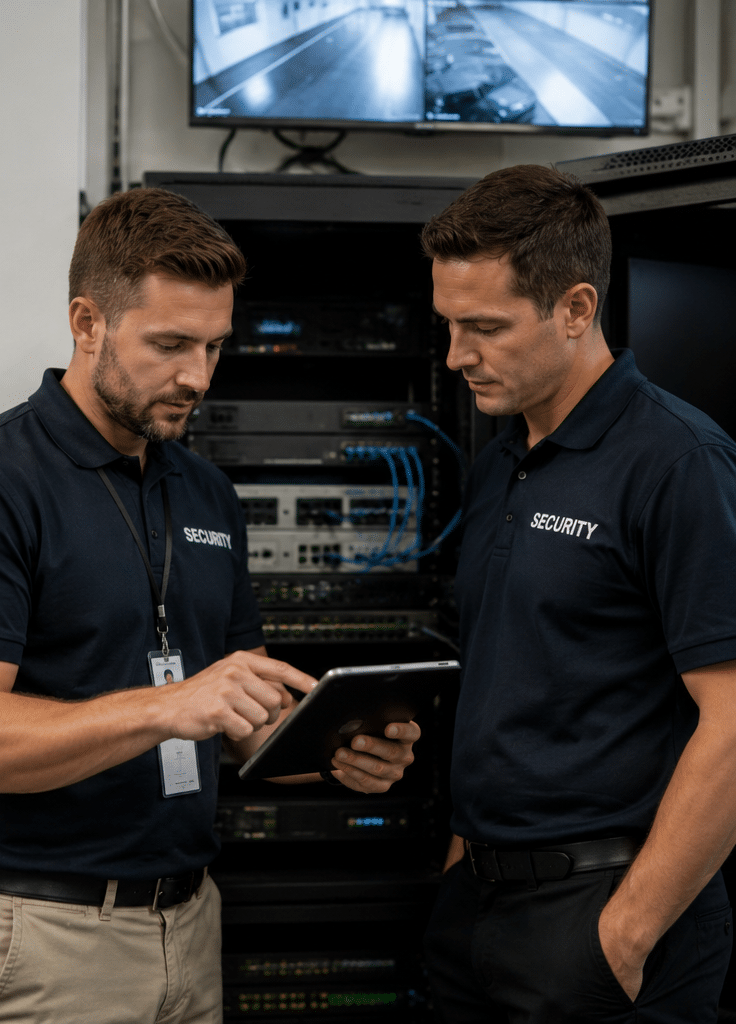
A proper CCTV maintenance visit should check the full system, not only the camera bodies. In practice, this includes cameras, lenses, mounts, cabling, network equipment, power supplies, storage, recorder settings, remote access, user permissions, and documentation.
From my experience, the best maintenance checks follow a simple rule: confirm that the system can capture, store, retrieve, and protect usable footage when needed.
Camera Inspection and Cleaning
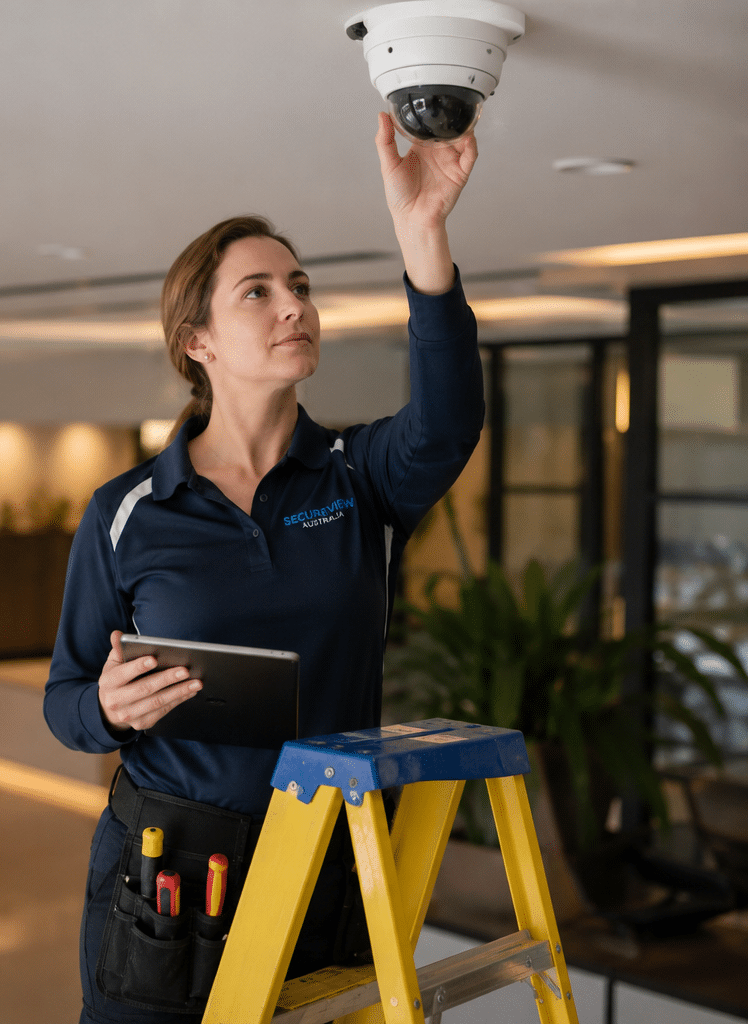
Camera lenses should be checked for dust, spider webs, water spots, scratches, condensation, or sun damage. Even a small mark on the lens can reduce image clarity, especially at night when infrared light reflects off dirt or moisture.
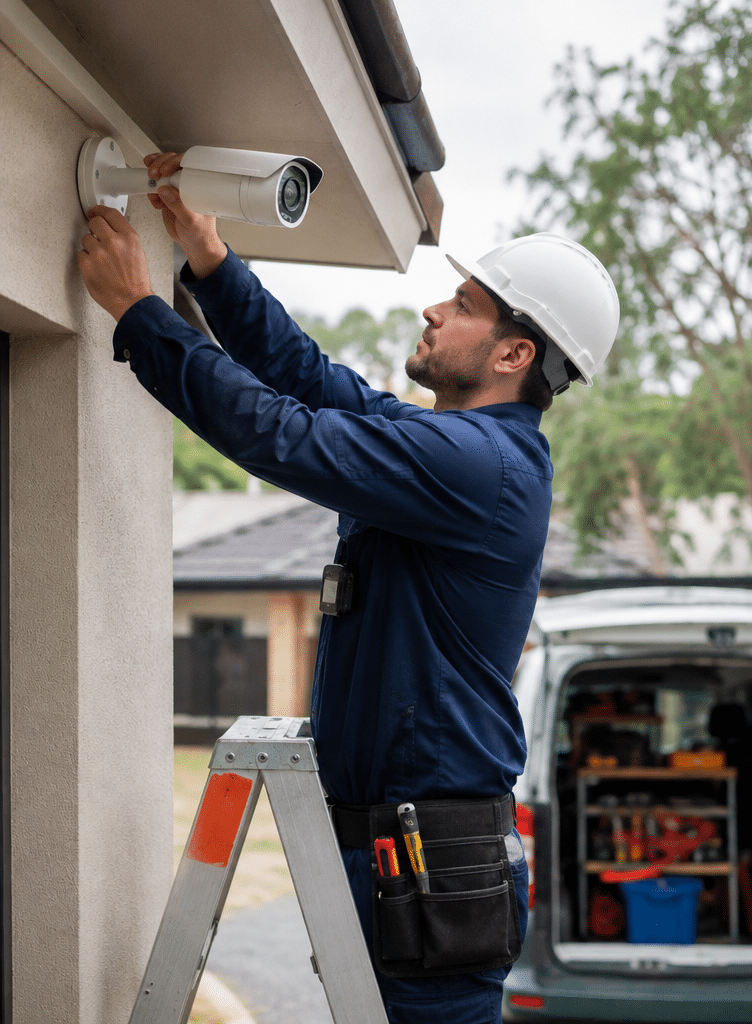
Technicians should also inspect camera housings, brackets, screws, seals, and junction boxes. This is especially important for outdoor CCTV maintenance in Australia, where weather exposure can loosen fittings or allow water into poorly sealed connections.
Field of View and Camera Positioning
A camera can be technically working but still be aimed incorrectly. During CCTV maintenance, each camera should be reviewed against its intended purpose.
For example, a camera watching a car park may need a wide overview, while a camera at an entry point may need enough detail to identify faces, clothing, or vehicles. Therefore, the technician should check whether the angle, zoom, focus, and height still match the site’s risk profile.
Recording and Playback Testing
Live view is not enough. The recorder or cloud platform must also save footage correctly. A maintenance visit should test recording, playback, time stamps, motion events, export options, and storage duration.
This is where many hidden faults appear. For example, the system may be recording only some cameras, or the hard drive may be failing. In other cases, footage may overwrite too quickly because storage settings are wrong.
Night Vision and Low-Light Performance
Many incidents happen outside business hours. Therefore, CCTV maintenance should include after-hours or simulated low-light checks where possible.
Infrared LEDs, white-light cameras, sensor settings, and nearby lighting should all be reviewed. Insects, reflective surfaces, and dirty domes can reduce night footage quality. As a result, a camera that looks sharp during the day may produce poor evidence at night.
Power and Network Health
Modern CCTV often depends on Power over Ethernet, network switches, routers, NVRs, and remote access platforms. If one of these fails, several cameras may go offline at once.
A maintenance check should confirm cable condition, power stability, switch performance, network connection, and backup power where used. In addition, IP camera systems should be checked for duplicated IP addresses, unstable connections, or excessive bandwidth use.
Software, Firmware, and User Access
CCTV maintenance should include firmware and software checks. However, updates should be handled carefully. A rushed firmware update can change settings or affect compatibility.
The Australian Signals Directorate’s cyber guidance for connected devices highlights the importance of secure design principles for Internet of Things devices, including security cameras. The Australian Cyber Security Centre IoT guidance also points to secure configuration, updates, and responsible device management as important risk controls.
Therefore, a responsible maintenance process should review passwords, user accounts, remote access permissions, firmware versions, and update support.
CCTV Maintenance Checklist for Australian Sites
Use this numbered checklist as a practical guide. It is not a substitute for a licensed technician, but it helps site managers understand what should be reviewed.
- Confirm camera purpose
Check what each camera is meant to capture. For example, entry points, cash areas, loading docks, car parks, reception areas, or perimeter zones. - Inspect camera condition
Look for cracks, corrosion, movement, vandalism, loose brackets, water ingress, and insect nests. - Clean lenses and housings
Remove dust, cobwebs, salt residue, fingerprints, and water marks with suitable cleaning materials. - Check image quality
Review focus, brightness, contrast, glare, backlight, night vision, and motion blur. - Confirm camera angles
Make sure cameras still cover the correct zones and do not unnecessarily capture private areas. - Test live view
Confirm every camera displays correctly on monitors, mobile apps, and management software. - Test recording and playback
Review saved footage from each camera and confirm dates, times, and playback quality. - Check storage health
Confirm hard drive or cloud storage capacity, overwrite settings, retention periods, and disk health alerts. - Test footage export
Export a sample clip to confirm evidence can be retrieved in a usable format. - Review passwords and users
Remove old staff accounts, use strong passwords, and limit admin access. - Check firmware and software
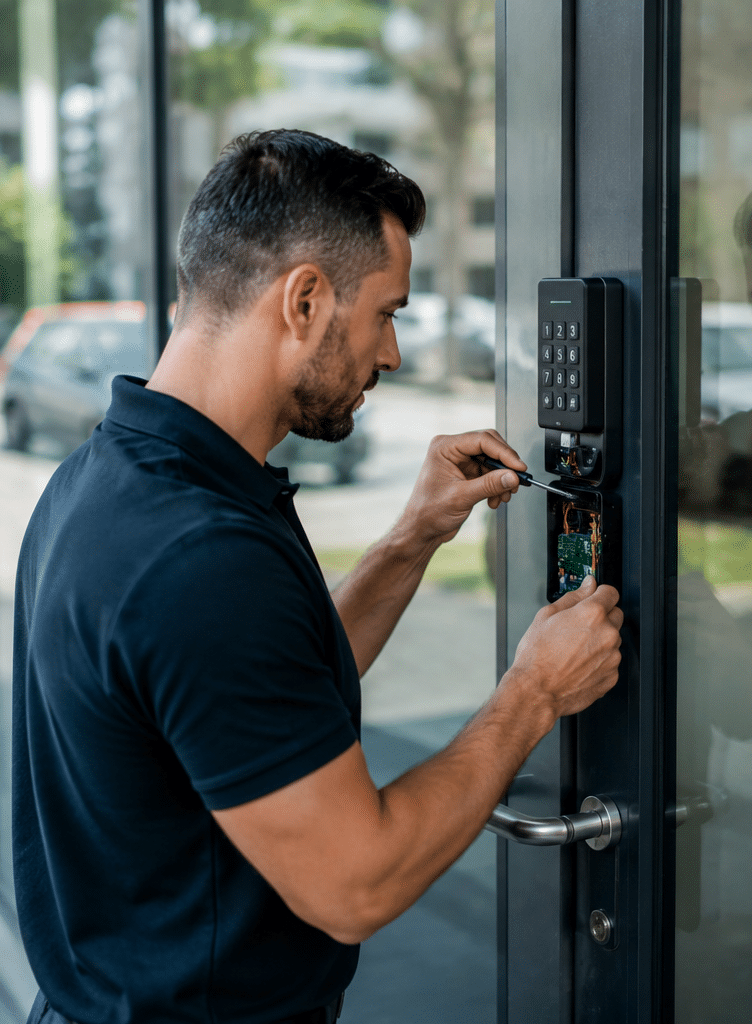
Confirm whether updates are available and apply them only after compatibility is considered. - Inspect cabling and power
Check Ethernet cables, power supplies, conduits, junction boxes, and backup power if installed. - Review signage and notices
Confirm CCTV signs are visible and match the way the system is used. - Document all findings
Keep a maintenance report with faults, fixes, photos, settings changes, and future recommendations. - Schedule the next visit
Set a realistic maintenance interval based on risk, environment, and system size.
How Often Should CCTV Systems Be Maintained?
There is no single schedule that fits every Australian site. However, most CCTV systems benefit from a structured maintenance routine.
For low-risk homes, a basic check every 6 to 12 months may be enough. However, commercial sites, schools, warehouses, and public-facing businesses often need more frequent checks. Sites exposed to dust, salt air, heat, vandalism, or high foot traffic may need quarterly maintenance.
The key is to match the maintenance schedule to the risk. For example, a small office with indoor cameras has different needs from a coastal warehouse, a childcare centre, or a retail store with public entry points.
Suggested CCTV Maintenance Frequency
| Site type | Suggested maintenance frequency | Why it matters |
| Home CCTV system | Every 6–12 months | Keeps lenses clean, storage working, and app access secure |
| Small office | Every 6 months | Helps maintain usable footage and reliable access control evidence |
| Retail store | Every 3–6 months | Supports staff safety, incident review, and loss prevention |
| Warehouse or industrial site | Every 3–6 months | Dust, vibration, forklifts, and lighting changes can affect footage |
| Coastal property | Every 3–6 months | Salt air can affect housings, connectors, and brackets |
| School or childcare site | Every 3–6 months | Privacy, safety, and access controls need careful oversight |
| High-risk commercial site | Quarterly or as advised | Frequent checks reduce the chance of unnoticed failures |
Common CCTV Problems Found During Maintenance
Many CCTV faults are simple, but they can have serious consequences if ignored.
Dirty or Fogged Camera Lenses
Dust, rain marks, and spider webs are common. In outdoor areas, infrared night vision can reflect off grime and make the image appear washed out. As a result, the camera may record movement but not useful detail.
Incorrect Time and Date Settings
Incorrect time stamps can make footage harder to use. This often happens after power loss, recorder replacement, poor network time settings, or firmware changes.
During CCTV maintenance, the technician should confirm the system time and time zone are correct. This is especially important for businesses that need to match footage with access logs, POS records, delivery records, or incident reports.
Dead Hard Drives or Storage Errors
A CCTV recorder may appear normal even when its hard drive is failing. Therefore, maintenance should include disk health checks, recording tests, and playback review.
If storage is too small, footage may overwrite sooner than expected. In addition, high-resolution cameras can use more storage than older systems.
Poor Night Footage
Night footage can fail because of dirty domes, weak lighting, overexposure, insects, reflective walls, or incorrect camera placement. In many cases, adjusting the angle or adding suitable lighting can improve results.
Cameras Knocked Out of Alignment
Cameras can move due to wind, vibration, accidental impact, cleaning work, renovations, or deliberate tampering. As a result, a camera may record a wall, ceiling, sky, or blind spot instead of the intended area.
Weak Passwords and Old User Accounts
Many CCTV systems are connected to apps or remote viewing services. Therefore, access control matters. Old staff accounts, shared passwords, default credentials, and unmanaged administrator access can create avoidable risk.
CCTV Maintenance for Homes, Businesses, Schools, and Strata
Different sites need different maintenance priorities. Therefore, the best CCTV maintenance plan should reflect the property type, risk level, and operating hours.
Home CCTV Maintenance
For Australian homes, CCTV maintenance often focuses on outdoor cameras, mobile app access, storage, and Wi-Fi reliability.
Homeowners should check whether cameras still cover entry points, driveways, side gates, garages, and outdoor storage areas. However, cameras should not be positioned in a way that unnecessarily records neighbours’ private spaces.
A simple home maintenance routine includes cleaning lenses, testing night vision, confirming app notifications, checking recording, and reviewing passwords.
Business CCTV Maintenance
For businesses, CCTV maintenance should be more structured. Retail stores, offices, factories, hospitality venues, and warehouses may depend on footage for incident review, safety investigations, or insurance support.
Business owners should review cameras around entrances, exits, cash handling areas, car parks, loading zones, stock rooms, and reception areas. However, maintenance should also consider privacy and staff communication.
According to the ASIAL electronic security standards overview, electronic security standards in Australia cover areas such as CCTV, alarms, monitoring centres, and cabling rules. For site owners, this means maintenance should be approached as a technical and administrative process, not just a quick camera wipe.
School CCTV Maintenance
Schools need clear maintenance procedures because they manage student safety, staff safety, privacy expectations, and sensitive environments.
CCTV maintenance in schools should check camera placement, restricted access to footage, signage, retention practices, and user permissions. In addition, maintenance should confirm that cameras are not placed in inappropriate private areas.
Strata and Apartment CCTV Maintenance
Strata properties often use CCTV for entrances, lifts, garages, mail rooms, common areas, and visitor access points. However, these systems can become difficult to manage when committee members change or old contractors retain access.
A good strata CCTV maintenance plan should include access review, documentation, storage checks, signage review, and clear reporting to the owners corporation or strata manager.
Privacy, Signage, and Administrative Compliance
CCTV maintenance should include privacy and administration checks. This is not legal advice. Instead, it is a practical reminder that CCTV systems should be managed responsibly.
The OAIC explains that organisations and agencies using surveillance devices such as security cameras generally need to follow several laws. Therefore, Australian businesses should consider how cameras are used, what areas they capture, who can access recordings, and how people are informed.
In practical terms, CCTV maintenance can include:
- checking whether CCTV signs are still visible;
- confirming cameras are aimed at legitimate security areas;
- reviewing who has access to footage;
- removing former staff or contractors from user accounts;
- confirming footage retention settings;
- documenting maintenance actions;
- escalating legal questions to a qualified adviser or licensed professional where needed.
This approach helps reduce risk without pretending that a maintenance technician is giving legal advice.
Cyber Security Maintenance for Modern CCTV Systems
CCTV maintenance has changed. Older systems were mostly local. However, many modern CCTV systems use IP cameras, mobile apps, cloud platforms, remote access, analytics, and network video recorders.
Because of this, cyber security should be part of CCTV maintenance.
Key Cyber Security Checks
A technician or responsible site manager should review:
- default passwords;
- weak passwords;
- old user accounts;
- remote access settings;
- firmware versions;
- router and network exposure;
- app permissions;
- cloud account recovery options;
- multi-factor authentication where available;
- support status for older devices.
Although some older CCTV systems still work, they may no longer receive security updates. Therefore, replacement can sometimes be safer than repeated repair.
DIY vs Professional CCTV Maintenance
Some CCTV maintenance tasks can be done by a careful property owner or site manager. However, technical work should usually be handled by a qualified security professional.
| Maintenance task | DIY suitable? | Professional recommended? | Notes |
| Wiping accessible camera lenses | Yes | Sometimes | Only if safe and camera is easy to reach |
| Checking live view | Yes | Sometimes | Useful monthly habit |
| Reviewing stored footage | Yes | Sometimes | Test all cameras, not just one |
| Adjusting camera angles | Sometimes | Yes | Poor adjustment can create blind spots |
| Replacing hard drives | No | Yes | Needs correct drive type and setup |
| Firmware updates | Sometimes | Yes | Incorrect updates can affect system stability |
| Network troubleshooting | No | Yes | Especially for IP CCTV systems |
| Privacy and access review | Yes | Yes | Legal questions should be reviewed separately |
| Full system audit | No | Yes | Best for businesses, schools, and strata |
CCTV Maintenance Cost and Value
CCTV maintenance costs in Australia vary because every system is different. The price depends on the number of cameras, site size, travel time, access difficulty, recorder type, network complexity, and whether repairs are needed.
As a general estimate, a small home system may need a basic service visit, while a commercial site may need a longer inspection and written report. High-risk sites may also need scheduled maintenance agreements.
However, the better question is not only “What does CCTV maintenance cost?” The better question is “What would it cost if the system failed when footage was needed?”
A missed recording can affect insurance claims, workplace investigations, police reports, customer disputes, staff safety reviews, and asset recovery. Therefore, regular CCTV maintenance is often a practical risk management cost.
Signs Your CCTV System Needs Maintenance Now
You should book CCTV maintenance if you notice any of these signs:
- blurry or dark footage;
- cameras dropping offline;
- missing recordings;
- incorrect time stamps;
- mobile app not connecting;
- hard drive error messages;
- buzzing power supplies;
- flickering images;
- cameras pointing in the wrong direction;
- poor night vision;
- old staff still having access;
- no recent maintenance report.
Even one of these signs can point to a larger system issue.
CCTV Maintenance Records: What to Keep
Good documentation makes maintenance more useful. It also helps future technicians understand the system faster.
A maintenance record should include:
- service date;
- site name and address;
- camera list;
- camera condition notes;
- image quality findings;
- recording and playback test results;
- storage status;
- firmware or software changes;
- user access changes;
- privacy or signage observations;
- recommended repairs;
- technician notes;
- photos where useful.
For businesses, schools, and strata properties, this report can support internal governance and future budgeting.
Practical CCTV Maintenance Tips From Field Experience
From my experience, the most reliable CCTV systems are not always the most expensive. They are the systems that are installed with purpose, labelled clearly, checked regularly, and managed by someone who knows who has access.
Here are practical tips that often prevent problems:
- Do not wait until an incident to test playback.
- Clean outdoor cameras before storm season where practical.
- Review camera angles after renovations or signage changes.
- Replace weak passwords after staff turnover.
- Keep a basic camera map.
- Label cables, switches, and recorder ports.
- Confirm the system time after power outages.
- Test footage export before it is urgently needed.
- Use weather-suitable housings for outdoor cameras.
- Review storage duration after adding new cameras.
Small checks can prevent large failures.
CCTV Maintenance and System Upgrades
Maintenance is also a good time to decide whether the system still suits the site. For example, a camera installed five years ago may not provide enough detail for today’s needs.
During maintenance, a technician may recommend upgrades such as:
- higher-resolution cameras;
- better night vision;
- wider dynamic range for glare control;
- improved storage capacity;
- better network switches;
- secure remote access;
- vandal-resistant camera housings;
- improved lighting;
- replacement of unsupported devices.
However, upgrades should be based on need, not hype. A well-placed camera with reliable recording is often more useful than a high-spec camera aimed at the wrong area.
People Also Ask: CCTV Maintenance in Australia
How often should CCTV maintenance be done in Australia?
Most Australian homes should check CCTV systems every 6 to 12 months. Businesses, schools, strata properties, and exposed outdoor sites often benefit from maintenance every 3 to 6 months because dust, heat, storms, and high use can affect reliability.
What is included in CCTV maintenance?
CCTV maintenance usually includes cleaning cameras, checking angles, testing recording and playback, reviewing storage, inspecting cables, checking night vision, updating software where suitable, and reviewing user access. A good service also documents faults and recommendations.
Can I do CCTV maintenance myself?
You can do simple checks such as cleaning safe-to-reach lenses, testing live view, and reviewing recordings. However, professional CCTV maintenance is recommended for hard drive replacement, firmware updates, network faults, high-mounted cameras, and commercial compliance documentation.
Why is my CCTV camera blurry at night?
Night blur is often caused by dirty lenses, spider webs, infrared reflection, poor lighting, condensation, incorrect focus, or motion blur. Cleaning and repositioning may help, but persistent problems should be checked by a technician.
Does CCTV maintenance help with privacy compliance?
It can support privacy administration by checking signage, access controls, camera positioning, retention settings, and documentation. However, it is not legal advice, and specific legal questions should be reviewed by a qualified adviser.
Expert Q&A: CCTV Maintenance
1. What is the most overlooked part of CCTV maintenance?
The most overlooked part is playback testing. Many people check live view and assume the system is working. However, a CCTV system is only useful if it records, stores, and retrieves clear footage when needed.
2. How do I know if my CCTV hard drive is failing?
Warning signs include missing footage, slow playback, recorder alerts, clicking sounds, random restarts, or footage gaps. However, some hard drives fail quietly, so scheduled disk health checks are important.
3. Should CCTV cameras be updated like computers?
Yes, many modern IP cameras and recorders need software or firmware updates. However, updates should be handled carefully because compatibility issues can occur. A technician should check the model, version, backup settings, and update notes before making changes.
4. Is CCTV maintenance different for coastal Australian properties?
Yes. Coastal properties often face salt air, corrosion, moisture, and stronger weather exposure. Therefore, outdoor cameras, brackets, seals, and junction boxes should be inspected more often.
5. When should I replace CCTV instead of maintaining it?
Replacement may be better if cameras are unsupported, footage is too poor, storage is unreliable, remote access is insecure, or repair costs are close to upgrade costs. In addition, older devices without security updates can create avoidable risk.
Conclusion: Keep Your CCTV Useful Before You Need It
CCTV maintenance is not just a technical task. It is a practical way to protect people, property, records, and confidence. A well-maintained system gives clearer footage, fewer blind spots, better storage reliability, stronger access control, and better day-to-day security management.
For Australian homes and businesses, the best approach is simple: check cameras regularly, test playback, review access, keep records, and fix small issues before they become expensive failures.
For expert help with CCTV maintenance, system checks, upgrades, and security planning, speak with trusted Australian security system specialists who can review your setup and recommend practical next steps.