On this page16
- What are commercial security cameras?
- Why Australian businesses invest in commercial security cameras
- How commercial camera systems work
- Main types of commercial security cameras
- IP vs analogue commercial CCTV systems
- What to consider before installation
- Privacy, workplace and cyber safety basics
- Commercial security cameras comparison table
- Commercial security camera installation checklist
- Cost factors for commercial security cameras
- Commercial security cameras and deterrence
- Video analytics: useful, but not magic
- Common mistakes to avoid
- People Also Ask
- Expert Q&A
- Conclusion
Not sure what your site needs?
A technical consultant from our Hallam office will look at the site and recommend a system, free of charge.
Request an assessment 1300 66 11 99Commercial security cameras help Australian businesses protect staff, customers, stock, vehicles, sites and evidence. From my experience reviewing security needs for retail, offices, warehouses and small business premises, the best results come from matching the camera system to real risks, not simply buying the highest-resolution camera available.
Table of Contents
- What are commercial security cameras?
- Why Australian businesses invest in commercial security cameras
- How commercial camera systems work
- Main types of commercial security cameras
- IP vs analogue commercial CCTV systems
- What to consider before installation
- Privacy, workplace and cyber safety basics
- Commercial security cameras comparison table
- Commercial security camera installation checklist
- People Also Ask
- Expert Q&A
- Conclusion
What are commercial security cameras?
Commercial security cameras are CCTV or IP camera systems designed for business premises, work sites and public-facing commercial areas. They record or stream video to help deter incidents, monitor activity, support safety procedures and preserve evidence, while requiring sensible placement, secure storage and privacy-aware administration.
Why Australian businesses invest in commercial security cameras
Australian businesses use commercial security cameras for more than theft prevention. They also support workplace safety, after-hours monitoring, visitor management, delivery verification and incident review. For example, a warehouse may use cameras to monitor loading docks, while a café may prioritise entrances, registers and outdoor seating areas.
However, cameras should not be treated as a one-size-fits-all solution. A strong system starts with a risk assessment. This means identifying what needs protection, where incidents are most likely to happen, and how footage will be used if something goes wrong.
The Office of the Australian Information Commissioner explains that businesses using surveillance must consider privacy obligations, especially where identifiable people may be recorded. The OAIC also notes that workplace monitoring is affected by relevant Australian, state and territory laws, and that some states have specific workplace surveillance laws. OAIC security camera guidance OAIC workplace monitoring guidance
How commercial camera systems work
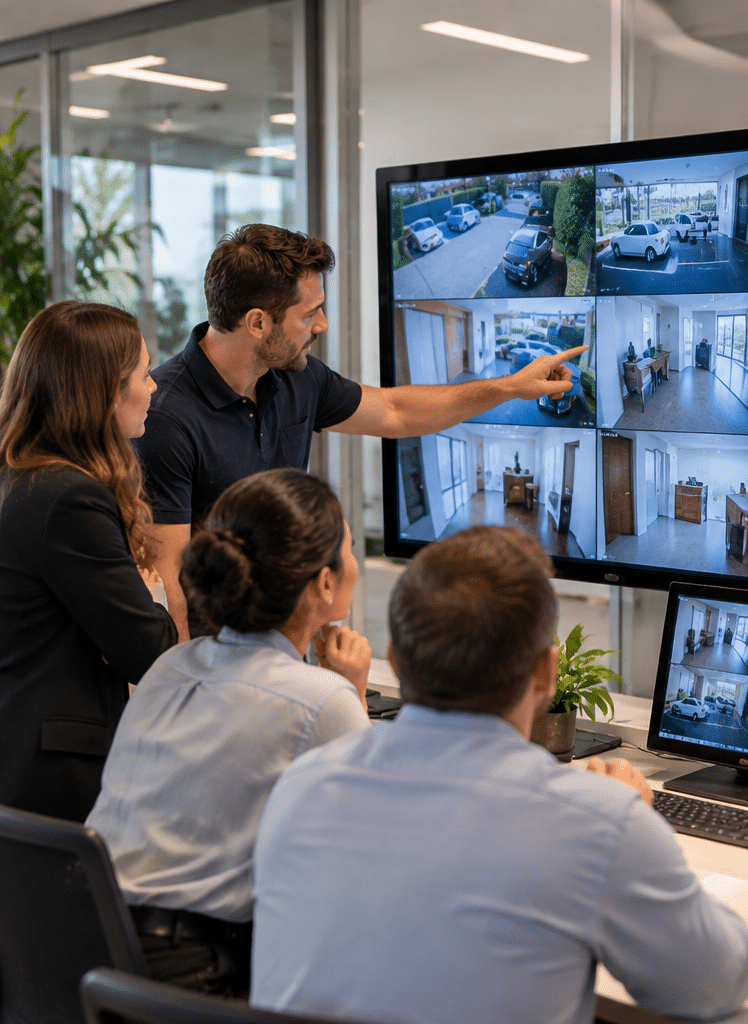
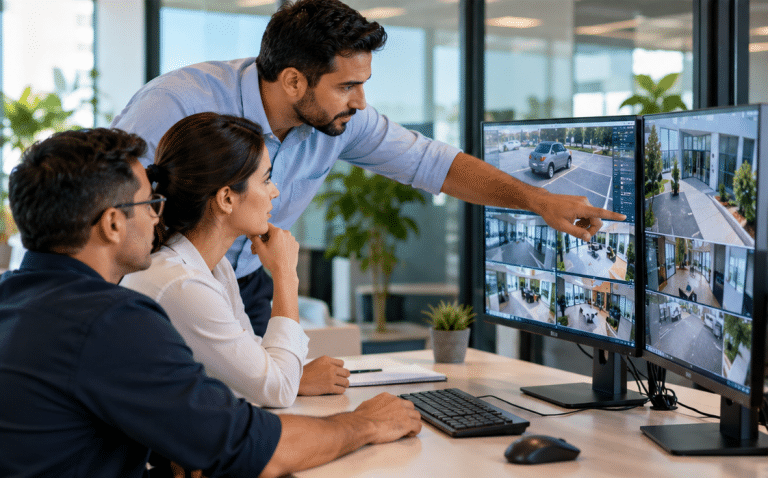
Most commercial security cameras include four core parts: cameras, recording, networking and viewing access. The cameras capture video. The recorder or cloud platform stores it. The network connects devices. The viewing system lets authorised users check live or recorded footage.
Modern business systems are often IP-based. This means cameras send video over a data network. As a result, they can support higher resolution, remote viewing, analytics and easier expansion. In contrast, older analogue CCTV systems use coaxial cabling and a digital video recorder.
From my experience, the biggest mistake is focusing only on camera count. Ten poorly placed cameras can perform worse than four correctly positioned cameras. Therefore, lens angle, mounting height, lighting, cable route, storage time and user permissions matter just as much as the hardware.
Main types of commercial security cameras
Dome commercial security cameras
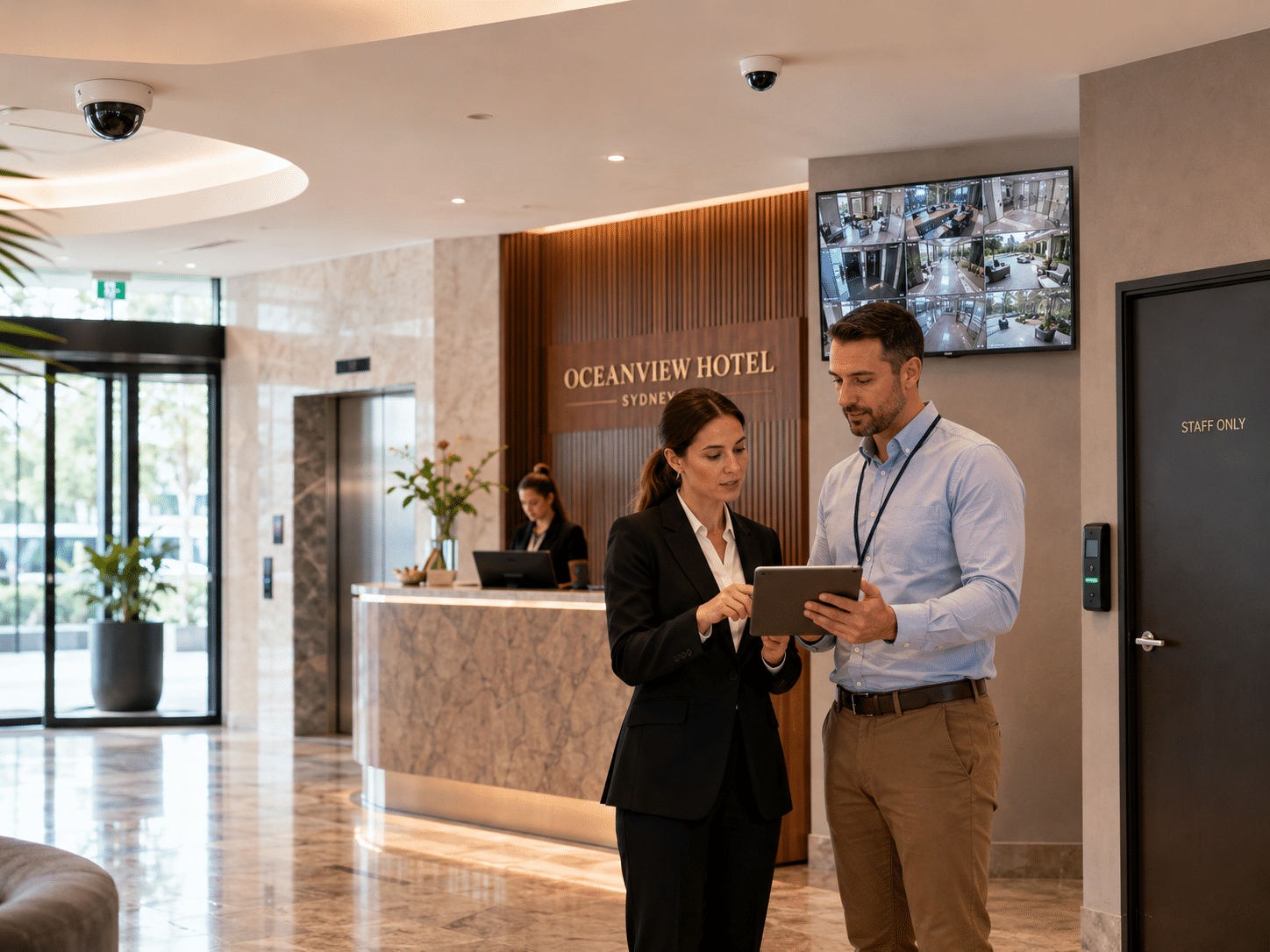
Dome cameras are common in shops, offices, reception areas and indoor commercial spaces. Their rounded housing makes them discreet, and some models make it harder to see exactly where the lens is pointing. Therefore, they are useful when you want coverage without making the space feel overly harsh.
Bullet commercial security cameras
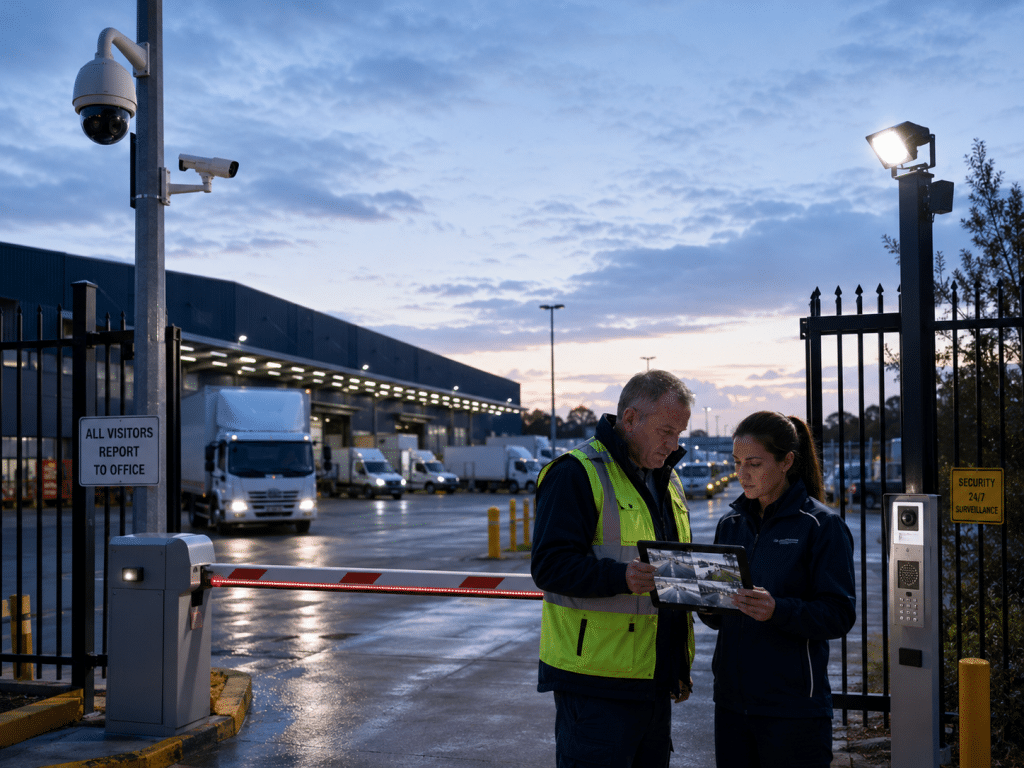
Bullet cameras are more visible. They are often used outdoors on walls, car parks, yards and building perimeters. Because they are noticeable, they can act as a visual deterrent. However, they should be weather-rated and mounted securely.
Turret cameras
Turret cameras offer a practical balance between dome and bullet styles. They are easy to aim, often perform well at night, and are suitable for many commercial interiors and exterior sheltered areas.
PTZ cameras
PTZ stands for pan, tilt and zoom. These cameras can move and zoom in on areas of interest. They are useful for large sites, yards, event spaces and monitoring stations. However, they are not always the best choice for every business because they may miss activity outside their current view unless paired with fixed cameras.
ANPR cameras
Automatic number plate recognition cameras are designed to capture vehicle plates. They are used at car parks, gates, depots and logistics sites. They need correct positioning, lighting and angle to work reliably.
Thermal cameras
Thermal cameras detect heat patterns rather than normal visible images. They can be useful for perimeter detection, low-light environments and some industrial settings. However, they are usually part of a specialised system rather than a standard retail or office setup.
IP vs analogue commercial CCTV systems
IP commercial security cameras are now common because they offer flexible networking, remote access and better integration. However, analogue systems can still be useful for budget upgrades where coaxial cable already exists.
| Feature | IP commercial security cameras | Analogue CCTV cameras |
| Cabling | Network cable, often PoE | Coaxial cable plus power |
| Image quality | Often higher and more scalable | Depends on camera and DVR |
| Remote access | Usually easier to configure securely | Possible, but may be limited |
| Expansion | Flexible if network capacity allows | Limited by recorder channels |
| Best fit | New business installs, multi-site systems | Basic upgrades using existing cable |
| Cyber risk | Needs strong passwords and updates | Still needs secure recorder access |
The Australian Cyber Security Centre includes security cameras among Internet of Things devices and advises secure buying and use of connected devices. This matters because a commercial camera is not just a lens; it is also a network device that may be reachable through apps, recorders or cloud services. Australian Cyber Security Centre IoT guidance
What to consider before installation
1. Business risk
Start with the reason for installing commercial security cameras. A retailer may need coverage of entrances, stock aisles and registers. A warehouse may need loading docks, roller doors and forklift paths. An office may focus on access points and shared areas.
2. Camera placement
Good placement captures useful evidence without overreaching. For example, cameras should cover entrances at face height where possible, while wide overview cameras can show movement across larger areas. Avoid placing cameras where people reasonably expect privacy, such as bathrooms or changing rooms.
3. Lighting
Poor lighting can ruin footage. Therefore, check the site during the day and at night. Some cameras include infrared night vision, while others perform better with visible lighting. For car parks and yards, lighting design can be as important as camera selection.
4. Storage duration
Businesses should decide how long footage must be retained. More storage means higher cost. However, too little storage can mean footage is overwritten before an incident is discovered. Many businesses choose retention based on operating hours, risk level and administrative needs.
5. Remote access
Remote viewing is useful for owners, managers and security teams. However, access should be limited to authorised users. Use strong passwords, multi-factor authentication where available, and separate user accounts rather than shared logins.
6. Maintenance
Commercial security cameras need ongoing care. Lenses get dirty. Trees grow into camera views. Firmware needs updates. Hard drives fail. Therefore, schedule routine checks so the system is working before an incident occurs.
Privacy, workplace and cyber safety basics
Commercial security cameras in Australia should be handled with privacy-aware processes. This is not legal advice, but it is good administration. Use clear signage, restrict access to footage, set retention rules and document why cameras are used.
In workplaces, employers must consider relevant state and territory rules. OAIC notes that the Privacy Act does not specifically cover workplace surveillance, but employers conducting surveillance must follow relevant Australian, state or territory laws. It also states that some states have specific workplace surveillance laws.
For NSW, the Information and Privacy Commission NSW points people to the Workplace Surveillance Act 2005 and LawAccess NSW for information about rights and obligations. This is a useful reminder that surveillance rules can differ by state, so businesses should seek local advice where needed.
Cyber safety also matters. Change default passwords, update firmware, disable unused services, separate cameras from guest Wi-Fi, and control who can export footage. If the system connects to the internet, it should be treated like any other business technology asset.
Commercial security cameras comparison table
| Business type | Common camera priorities | Practical setup notes |
| Retail store | Entry, registers, stock aisles, back room | Use a mix of overview and close-up cameras |
| Café or restaurant | Entry, POS area, outdoor seating, storage | Avoid intrusive staff-only placement |
| Warehouse | Loading docks, roller doors, aisles, yard | Check lighting and forklift blind spots |
| Office | Reception, access points, shared areas | Keep cameras out of private rooms |
| Medical or allied health clinic | Entry, reception, waiting area | Be careful around treatment rooms and sensitive areas |
| Construction site | Perimeter, materials, temporary access points | Use weather-rated cameras and secure power |
| Car park | Vehicle entry, exits, pedestrian routes | Consider ANPR and extra lighting |
| Multi-site business | Standardised coverage and remote access | Use consistent naming, roles and retention settings |
Commercial security camera installation checklist
- Define the business purpose for each camera.
- Walk through the site during business hours and after dark.
- Mark high-risk areas, entrances, exits and blind spots.
- Choose camera types based on distance, lighting and environment.
- Confirm cabling, network capacity and power availability.
- Decide how long footage should be stored.
- Set user roles for owners, managers and staff.
- Add privacy signage and basic internal procedures.
- Secure remote access with strong passwords and multi-factor authentication where available.
- Test live view, playback, exporting and night footage before handover.
- Schedule maintenance checks at least periodically.
- Review the system when the business layout changes.
Cost factors for commercial security cameras
The cost of commercial security cameras depends on site size, cable access, camera quality, storage, analytics, remote access, labour and after-hours work. A small office may only need a few cameras and one recorder. In contrast, a warehouse or multi-level retail space may need structured cabling, network switches, larger storage and more detailed commissioning.
Avoid choosing purely on price. A low-cost camera may look acceptable during the day but fail at night. Likewise, a cheap recorder may not store enough footage or may make exporting evidence difficult. Therefore, value should be measured by usable footage, secure access and reliable support.
Commercial security cameras and deterrence
Visible cameras can deter some opportunistic behaviour. However, cameras should not be your only layer of protection. Better results usually come from combining commercial security cameras with alarms, lighting, access control, locks, staff procedures and clear incident reporting.
For example, a camera may show someone entering a yard, but lighting helps capture a clearer image, an alarm creates a response, and access control records who entered authorised areas. Together, these systems create stronger protection than CCTV alone.
Video analytics: useful, but not magic
Many commercial security cameras now offer analytics such as line crossing, person detection, vehicle detection and motion alerts. These features can reduce false alarms and help managers find events faster.
However, analytics need careful setup. Rain, insects, headlights, shadows and moving trees can trigger false alerts. Therefore, analytics should be tested in real site conditions. In high-risk sites, they should support human review rather than replace it.
Common mistakes to avoid
One common mistake is installing cameras too high. This gives a wide view but may not capture faces clearly. Another mistake is pointing cameras toward bright doors or windows, which can cause backlighting. Also, many businesses forget to test playback until they actually need footage.
Another issue is weak access control. Shared passwords make it hard to know who viewed or exported footage. Therefore, each authorised user should have their own account. Access should also be removed when staff leave the business.
Finally, avoid recording more than needed. Good security design balances safety, privacy and business purpose.
People Also Ask
Are commercial security cameras legal in Australia?
Yes, businesses commonly use commercial security cameras in Australia. However, they should consider privacy, workplace surveillance and state or territory requirements. Use signage, avoid private areas and seek legal advice for sensitive workplace monitoring decisions.
How many commercial security cameras does a business need?
It depends on the site layout, risk areas and required image detail. A small shop may need four to eight cameras, while a warehouse, yard or multi-site operation may need many more. A site assessment gives a better answer than a generic camera count.
Do commercial security cameras need internet?
No, cameras can record locally without internet. However, internet is usually needed for remote viewing, cloud features and alerts. If remote access is enabled, secure configuration is essential.
How long should a business keep CCTV footage?
Retention depends on business risk, storage capacity and administrative needs. Some businesses keep footage for days, while others need several weeks. The key is to choose a retention period that is practical, documented and not excessive.
What is the best type of commercial security camera?
There is no single best camera for every business. Dome cameras suit many indoor areas, bullet cameras suit visible outdoor deterrence, and turret cameras work well in mixed settings. The best system matches camera type to each location.
Expert Q&A
1. Should commercial security cameras record audio?
Usually, businesses should be very cautious with audio. Audio recording can raise extra legal and privacy issues. In many cases, it is safer to disable camera microphones unless there is a clearly reviewed reason to use them.
2. Can I view my business cameras from my phone?
Yes, many modern commercial security cameras support phone access. However, remote access should be protected with strong passwords, secure apps, updates and user permissions. Avoid exposing devices directly to the internet without proper security.
3. Are cloud cameras better than local recording?
Cloud systems are convenient for remote access and off-site storage. Local recording can offer strong control and predictable storage costs. Many businesses choose a hybrid approach, depending on risk, internet reliability and budget.
4. Do I need signs for commercial security cameras?
Signage is a good practice and may support transparency obligations. It tells staff, customers and visitors that cameras are in use. Signs should be clear, visible and supported by internal procedures for handling footage.
5. When should a business upgrade its camera system?
Upgrade when footage is unclear, storage is too short, remote access is insecure, cameras miss key areas, or the system no longer fits the site. Also consider upgrades after renovations, new stock layouts or repeated incidents.
Conclusion
Commercial security cameras are most effective when they are planned around real business risks, installed in the right positions and managed with secure, privacy-aware processes. For Australian businesses, the goal is not just to record video. The goal is to capture useful footage, support safer operations and maintain clear administration.
For practical help with business camera planning, installation and support, speak with Eclipse Security’s commercial security specialists and build a system that fits your site, budget and operating needs.