On this page54
- What Are CCTV Security Systems Melbourne?
- What Do CCTV Security Systems Melbourne Properties Need?
- Why Camera Placement Matters More Than Camera Count
- Common High-Priority Camera Locations
- IP CCTV vs Analogue HD CCTV Systems
- Choosing Cameras for CCTV Security Systems Melbourne Sites
- Fixed-Lens Cameras
- Varifocal Cameras
- Turret Cameras
- Dome Cameras
- Bullet Cameras
- Night Performance Is Critical for Melbourne CCTV
- Recording and Storage for CCTV Security Systems Melbourne
- How Much CCTV Storage Do You Need?
- Protect the Recorder Too
- Remote Viewing and Mobile Access
- CCTV Cybersecurity Matters
- Privacy and CCTV Compliance in Victoria
- Check Security Licensing Before Installation
- CCTV Security Systems Melbourne for Different Property Types
- Retail Stores
- Warehouses
- Offices
- Hospitality Venues
- Homes
- Integrating CCTV, Alarms and Access Control
- 10-Step CCTV Security Systems Melbourne Installation Checklist
- How Much Do CCTV Security Systems Melbourne Cost?
- What Should a CCTV Quote Explain?
- Common CCTV Installation Mistakes
- 1. Mounting Cameras Too High
- 2. Choosing Cameras Only by Megapixels
- 3. Ignoring Backlighting
- 4. Forgetting Storage
- 5. Leaving Default Passwords
- 6. Giving Everyone Administrator Access
- 7. Never Testing Playback
- 8. Ignoring Night-Time Testing
- Maintaining CCTV Security Systems Melbourne Businesses Depend On
- Smart Video Analytics: Useful, but Not Magic
- How to Choose a CCTV Security Provider in Melbourne
- People Also Ask About CCTV Security Systems Melbourne
- What is the best CCTV system for a Melbourne home or business?
- Do CCTV cameras work during a power outage?
- How long should CCTV footage be stored in Australia?
- Can I view my Melbourne CCTV cameras on my phone?
- Do CCTV cameras prevent crime?
- CCTV Security Systems Melbourne: Expert Q&A
- 1. Should a CCTV system record continuously or only when motion is detected?
- 2. Is 4K CCTV automatically better than lower-resolution cameras?
- 3. Should CCTV footage be backed up?
- 4. How can a business make CCTV footage easier to provide after an incident?
- 5. When should an existing CCTV system be upgraded?
- Final Thoughts on CCTV Security Systems Melbourne
Not sure what your site needs?
A technical consultant from our Hallam office will look at the site and recommend a system, free of charge.
Request an assessment 1300 66 11 99Choosing CCTV security systems Melbourne property owners can depend on is not simply a matter of buying several cameras and connecting them to a recorder. A useful CCTV system needs the right camera locations, suitable image quality, dependable recording, secure remote access, appropriate storage and a design that reflects the risks around the property.
Melbourne properties also present very different security needs. A small retail store in the CBD has different risks from a warehouse in Dandenong, an office in Richmond, a home in Point Cook or a commercial site operating around the clock.
Therefore, the best approach starts with the property and its risks rather than with a camera specification.
In practical security planning, one principle repeatedly matters: a camera is only valuable if it captures usable footage when an incident occurs. A high-resolution specification means little when the camera is facing glare, mounted at the wrong angle, blocked by stock or unable to identify a person after dark.
This guide explains how modern CCTV works, what Melbourne property owners should consider, how cameras and recorders differ, what affects system costs and how to plan an installation that remains useful after the installer leaves.
What Are CCTV Security Systems Melbourne?
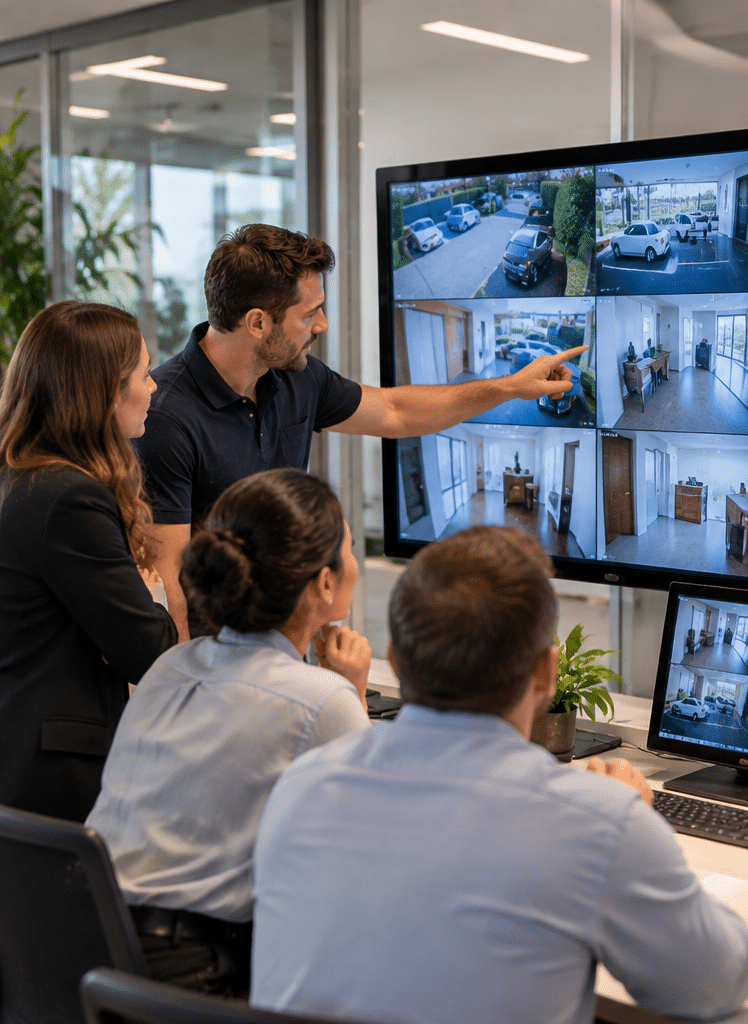
CCTV security systems Melbourne are camera-based surveillance systems designed to monitor and record activity around Melbourne homes, businesses and commercial properties. A complete system normally combines cameras, recording or cloud storage, secure networking, monitoring software and carefully planned camera positions so recorded footage can support security, investigation and property management.

Table of Contents
- What a Melbourne CCTV security system includes
- Why camera placement matters
- IP CCTV versus analogue HD systems
- Choosing CCTV cameras for Melbourne properties
- Night-time image quality
- CCTV recording and storage
- Remote CCTV monitoring
- CCTV cybersecurity
- CCTV privacy and compliance in Victoria
- Choosing a suitably licensed security provider
- Planning CCTV for different Melbourne properties
- Integrating CCTV with alarms and access control
- CCTV installation checklist
- CCTV costs and quotations
- Common CCTV mistakes
- Maintaining your security system
- People Also Ask
- CCTV Security Systems Melbourne Q&A
- Conclusion
What Do CCTV Security Systems Melbourne Properties Need?
A complete CCTV installation is more than the visible cameras.
Depending on the site, a system may include:
- fixed security cameras
- turret, dome or bullet cameras
- network cabling
- PoE network switches
- a Network Video Recorder (NVR)
- a Digital Video Recorder (DVR)
- local hard-drive storage
- cloud or off-site storage
- mobile and desktop viewing software
- routers and secure network connections
- monitors
- uninterrupted power supplies
- camera mounting equipment
- warning signage
- access permissions for authorised users
For larger commercial properties, CCTV may also communicate with alarms, intercoms and electronic access-control systems.
However, additional technology does not automatically improve security.
Instead, each component should solve a specific problem.
For example, one camera may provide an overview of a warehouse loading area, while another may be positioned specifically to identify people entering through a doorway.
That distinction is important because detection, observation, recognition and identification are different objectives.
A wide camera showing an entire car park may prove that somebody entered the area. Nevertheless, it may not provide enough facial detail to identify that person.
Therefore, camera objectives should be established before cameras are installed.
Why Camera Placement Matters More Than Camera Count
Many buyers compare CCTV packages by counting cameras.
For example:
- four-camera system
- eight-camera system
- sixteen-camera system
Although camera count matters, it is not the best measure of system quality.
Four correctly positioned cameras can sometimes provide more useful coverage than eight poorly positioned ones.
According to Victoria Police guidance, useful CCTV planning should consider entry and exit points, image quality during both day and night, adequate storage and secure recording systems. Police guidance also recommends positioning cameras so they principally cover the property being protected.
Victoria Police CCTV installation guidance
Before installing a camera, ask:
- What am I trying to see?
- At what distance?
- During daylight, darkness or both?
- Do I need an overview or identification?
- Could a vehicle, tree, shelving or another object block the view?
- Will headlights or sunlight create glare?
- Can somebody easily reach or damage the camera?
- What happens when the building lights are switched off?
For commercial CCTV security systems Melbourne businesses operate, these questions should normally be answered during a site assessment.
Common High-Priority Camera Locations
Potential locations include:
- front entrances
- rear doors
- loading docks
- reception areas
- point-of-sale zones
- stock entrances
- warehouse aisles
- gates
- driveways
- car parks
- building perimeters
- plant rooms
- restricted-access areas
However, cameras should not simply be placed everywhere.
Privacy, operational requirements and the legitimate purpose for recording should also influence their positions.
IP CCTV vs Analogue HD CCTV Systems
Modern CCTV systems commonly use either network-based IP cameras or HD analogue cameras.
Neither option should automatically be described as the right choice for every property.
| Feature | IP CCTV | HD Analogue CCTV |
| Connection | Network/Ethernet | Coaxial cable |
| Typical recorder | NVR | DVR |
| Power | Often PoE | Usually separate or combined cabling |
| Scalability | Generally strong | Suitable for many conventional systems |
| Existing cabling | May require network infrastructure | Can often reuse compatible coaxial cabling |
| Advanced analytics | Common on modern systems | Depends on camera and recorder |
| Network configuration | Important | Usually less network-dependent at camera level |
| Best suited to | New installations and scalable networks | Upgrades where compatible infrastructure exists |
What is PoE?
Power over Ethernet (PoE) allows compatible IP cameras to receive both power and data through an Ethernet cable.
This can simplify installation because a separate power point may not be required at every camera.
However, network design still matters.
For example, the PoE switch needs enough power capacity for all connected cameras, while network bandwidth must support the required video streams.
Choosing Cameras for CCTV Security Systems Melbourne Sites
Camera resolution often receives the most attention during CCTV shopping.
However, resolution is only one factor.
Useful image quality depends on several variables, including:
- sensor quality
- lens selection
- camera positioning
- available light
- compression settings
- frame rate
- shutter settings
- subject movement
- installation height
- viewing distance
- recording bitrate
Therefore, two cameras advertised with the same resolution can produce noticeably different results.
Fixed-Lens Cameras
A fixed-lens camera provides a predetermined field of view.
These cameras are useful when the required coverage area is clearly understood.
They may suit locations such as entrances, corridors and compact external zones.
Varifocal Cameras
A varifocal lens allows the installer to adjust the field of view.
This can be particularly useful when the precise viewing angle needs to be determined during commissioning.
For example, a warehouse camera may need to focus more tightly on a loading gate than originally expected.
Turret Cameras
Turret cameras are commonly used in modern systems.
Their design allows the camera direction to be adjusted relatively easily, while many models provide strong infrared performance.
Dome Cameras
Dome cameras have a protective dome-shaped housing.
They are commonly used in offices, retail environments and public-facing areas where a less prominent camera appearance may be preferred.
However, installation conditions matter because dirt, moisture or reflections around a dome can affect night images in some circumstances.
Bullet Cameras
Bullet cameras are visually obvious and commonly used outdoors.
Their physical presence may also make surveillance easier for visitors to notice.
Victoria Police notes that visible CCTV can act as a deterrent and recommends visible rather than fake cameras as part of its crime-prevention guidance.
Night Performance Is Critical for Melbourne CCTV
A camera that looks excellent at 2 pm may produce poor evidence at 2 am.
Therefore, night performance should be considered during the design stage rather than after an incident.
Most modern security cameras use combinations of:
- infrared illumination
- low-light sensors
- white-light illumination
- wide dynamic range
- supplementary property lighting
Infrared can help a camera see in darkness. However, several problems can reduce image quality.
For example, nearby walls can reflect infrared light. Insects and spider webs can also appear extremely bright because they are close to the infrared LEDs.
Furthermore, fast-moving people may blur when the camera uses slower exposure settings to compensate for limited light.
This is why testing matters.
A professional commissioning process should evaluate footage under the conditions in which the system will actually operate.
Recording and Storage for CCTV Security Systems Melbourne
CCTV footage generally needs somewhere to be stored.
For many systems, that is an NVR or DVR containing surveillance-rated hard drives.
Cloud storage may also be available, while larger systems can use servers, network storage or combinations of local and remote storage.
How Much CCTV Storage Do You Need?
There is no universal retention period that suits every property.
Storage consumption depends on:
- number of cameras
- recording resolution
- frames per second
- compression technology
- bitrate
- hours recorded each day
- continuous versus motion-based recording
- scene complexity
- retention requirements
For example, recording sixteen cameras continuously will usually consume significantly more storage than recording four cameras primarily when motion is detected.
Therefore, quotations should explain the expected retention rather than simply advertising the recorder's hard-drive capacity.
Ask the provider:
Approximately how many days of footage will this system retain under the proposed settings?
The answer should be presented as an estimate because actual storage consumption can vary with recorded activity and configuration.
Protect the Recorder Too
Cameras often receive all the attention.
However, if an intruder can easily find and remove the recorder, the footage may disappear with it.
Victoria Police recommends keeping storage systems hidden and secured and also suggests considering off-site backup.
Consequently, recorder location should be included in security planning.
Remote Viewing and Mobile Access
Modern CCTV security systems Melbourne businesses use often support remote viewing through smartphones, tablets or computers.
This can allow authorised users to:
- view live cameras
- review recorded footage
- receive event notifications
- export recordings
- check the premises outside operating hours
However, convenience introduces cybersecurity responsibilities.
The CCTV system is no longer merely a group of cameras. Once connected to a network, it becomes another network-connected information system.
Therefore, access should be controlled carefully.
CCTV Cybersecurity Matters
Network-connected cameras can contain software, passwords, user accounts and remote access functions.
As a result, basic cybersecurity should form part of the CCTV installation.
Good practices include:
- changing default passwords
- using unique, strong passwords
- enabling multi-factor authentication where supported
- limiting administrative accounts
- keeping firmware updated
- disabling unnecessary services
- restricting remote access
- separating security devices from general networks when appropriate
- securely configuring routers and firewalls
- reviewing user accounts when employees leave
For businesses, it is also sensible to document who is authorised to access footage.
For example, a receptionist may only need live camera access, while a security manager may require recording exports and configuration permissions.
Using the principle of least privilege reduces unnecessary access.
Privacy and CCTV Compliance in Victoria
CCTV may record identifiable people and therefore can create privacy responsibilities.
The Australian Office of the Australian Information Commissioner explains that organisations covered by the Privacy Act 1988 must handle personal information captured through surveillance consistently with the Australian Privacy Principles. Its guidance includes informing people that their image may be captured and protecting recorded personal information.
OAIC guidance on security cameras and privacy
However, Australian privacy requirements depend on the organisation and circumstances. State and territory surveillance rules may also apply.
For that reason, compliance should not be treated as a generic checkbox.
Businesses should consider issues such as:
- why recording is necessary
- which areas genuinely need surveillance
- who can access footage
- how recordings are secured
- how long information is retained
- whether appropriate notices or signs are required
- whether audio recording is enabled
- whether workplace monitoring creates additional obligations
- how footage requests will be handled
The Office of the Victorian Information Commissioner also promotes surveillance principles including legality, legitimate purpose, necessity, proportionality and safeguards, particularly for Victorian public-sector organisations.
OVIC surveillance and privacy principles
These points are general administrative guidance, not legal advice. Organisations with specific privacy, workplace-surveillance or regulatory questions should obtain advice appropriate to their circumstances.
Check Security Licensing Before Installation
Security equipment installation is regulated in Victoria.
Victoria Police states that a security equipment installer includes a person employed or retained to install, repair, service or maintain equipment including security cameras, video recording systems, alarms and access-control devices.
Following Victorian private-security reforms, Victoria Police also states that private security activities are licensed activities and maintains a public register where people can check licence holders.
Therefore, one useful administrative step when selecting a provider is to confirm that the business and people carrying out regulated security activities hold the appropriate Victorian authorisation for the work being performed.
This is especially important for commercial projects where CCTV may form part of a wider alarm or access-control installation.
CCTV Security Systems Melbourne for Different Property Types
Security design should change according to the property.
Retail Stores
Retail environments may need coverage of:
- entrances
- exits
- tills
- high-value displays
- stock rooms
- delivery areas
- rear access points
However, a camera looking directly at a doorway may need strong dynamic-range capability because bright outdoor light can make a person's face appear dark.
Therefore, camera selection should consider lighting conditions rather than resolution alone.
Warehouses
Warehouses create different challenges.
They may contain:
- tall shelving
- moving forklifts
- loading docks
- large open spaces
- poor lighting
- multiple roller doors
- external storage yards
Consequently, a combination of overview cameras and targeted cameras is often more effective than relying entirely on wide-angle views.
Offices
Office CCTV may focus primarily on:
- entry points
- reception
- car parks
- shared access areas
- IT or plant rooms
However, workplace privacy should be considered carefully.
The OAIC notes that workplace monitoring may be subject to relevant Australian, state or territory requirements and that records created through surveillance can engage privacy obligations in some circumstances.
Hospitality Venues
Restaurants, cafés and hospitality properties may need surveillance around:
- entrances
- cash-handling areas
- external seating areas
- delivery doors
- storerooms
- car parks
Lighting changes throughout operating hours should also be considered.
Homes
Residential CCTV commonly focuses on:
- front doors
- driveways
- side access
- garages
- rear entrances
- yards
For residential installations, camera angles should be planned carefully to avoid unnecessarily recording neighbouring private areas.
Integrating CCTV, Alarms and Access Control
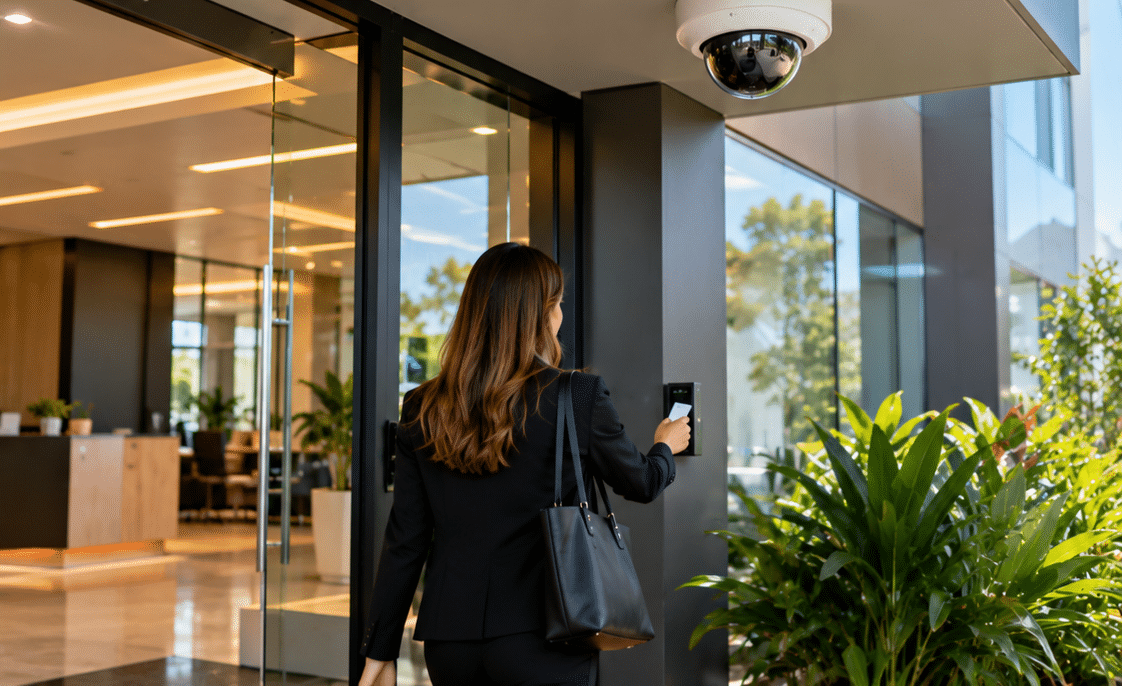
CCTV becomes more useful when it forms part of a wider security strategy.
For example, CCTV may be combined with:
- intruder alarms
- door and window sensors
- access-control systems
- video intercoms
- sensor lighting
- monitored alarms
Victoria Police specifically recommends considering CCTV alongside sensor lights and alarms to improve property protection.
Consider a warehouse door after hours.
An alarm sensor can detect that the door opened.
An access-control system may identify which credential was used.
Meanwhile, CCTV can provide visual context about what occurred.
Each technology answers a different question.
Therefore, integration can provide more useful information than any single device operating alone.
10-Step CCTV Security Systems Melbourne Installation Checklist
Use this checklist when planning a new system or reviewing an existing installation.
- Define the security problem.
Identify theft risks, vulnerable entrances, after-hours access, vandalism concerns and operational needs. - Walk through the property.
Inspect entrances, blind spots, lighting, walls, ceilings and potential cable routes. - Define each camera's purpose.
Decide whether it needs to provide an overview, monitor activity or capture identifying detail. - Check daytime and night-time conditions.
Consider sunlight, headlights, reflections and areas that become completely dark. - Select suitable camera types and lenses.
Match the field of view and camera characteristics to each location. - Calculate recording requirements.
Estimate the storage needed for the preferred resolution, recording schedule and retention period. - Plan network security.
Determine how remote access, passwords, user accounts and network connections will be managed. - Review privacy and administrative requirements.
Consider camera angles, signage, authorised users, information handling and any workplace-specific requirements. - Verify applicable security licensing.
Confirm that regulated security work is completed by appropriately authorised Victorian providers. - Test and document the completed system.
Check every camera during realistic conditions and ensure authorised staff know how to retrieve and export footage.
How Much Do CCTV Security Systems Melbourne Cost?
There is no responsible single price for every Melbourne CCTV installation.
Costs can vary significantly depending on:
- camera quantity
- camera type
- image specifications
- cable distances
- building construction
- installation height
- lift or access equipment
- networking requirements
- recording capacity
- UPS requirements
- analytics
- remote access
- integration with alarms or access control
- commissioning requirements
For example, installing four cameras in a single-storey property with accessible roof space is very different from installing sixteen cameras across a multi-level warehouse with long cable runs and restricted installation areas.
Therefore, online package prices should be treated cautiously unless they clearly explain what installation work is included.
What Should a CCTV Quote Explain?
A useful quotation should make it possible to understand what you are purchasing.
Look for information about:
- number of cameras
- camera models or specifications
- recorder model
- storage capacity
- estimated recording retention
- cabling
- network equipment
- installation labour
- camera mounting
- system configuration
- remote access setup
- user training
- warranties
- ongoing support
- optional maintenance
This makes comparing quotations much more meaningful.
Common CCTV Installation Mistakes
1. Mounting Cameras Too High
High cameras provide broad views.
However, mounting a camera excessively high can produce footage dominated by the top of a person's head instead of useful facial detail.
Therefore, height should match the camera's purpose.
2. Choosing Cameras Only by Megapixels
More pixels can improve detail, but they cannot compensate for poor lighting, an unsuitable lens or a bad viewing angle.
A balanced system design matters more.
3. Ignoring Backlighting
A person standing in a doorway with bright sunlight behind them can appear as a silhouette.
Cameras with suitable wide-dynamic-range capability and proper positioning can help manage difficult lighting.
4. Forgetting Storage
A system may work perfectly only to overwrite the required recording before anybody realises the incident occurred.
Retention should therefore be calculated during planning.
5. Leaving Default Passwords
Default or weak credentials unnecessarily increase cybersecurity risk.
Credentials should be changed during commissioning.
6. Giving Everyone Administrator Access
Employees rarely need identical permissions.
Instead, create accounts based on job requirements.
7. Never Testing Playback
Seeing a live picture does not prove recording works correctly.
After installation, test:
- live viewing
- playback
- timeline navigation
- event search
- footage export
- remote access
- user permissions
8. Ignoring Night-Time Testing
A daytime commissioning test is incomplete for a system expected to protect property overnight.
Test after dark as well.
Maintaining CCTV Security Systems Melbourne Businesses Depend On
Security cameras are not completely maintenance-free.
Environmental conditions change.
Trees grow. Spider webs appear. Construction alters viewing angles. Hard drives age. Passwords become outdated. Employees leave. Firmware requires attention.
Therefore, periodic reviews are worthwhile.
A maintenance check can include:
- cleaning camera lenses
- reviewing camera angles
- checking night images
- confirming date and time settings
- testing recording
- checking storage health
- exporting sample footage
- reviewing user accounts
- testing remote viewing
- checking firmware
- inspecting cables and mounts
- confirming UPS operation
The frequency should depend on the property's risk level and operating environment.
A busy commercial facility may justify more frequent checks than a simple residential installation.
Smart Video Analytics: Useful, but Not Magic
Some modern CCTV platforms support analytics such as:
- line crossing
- intrusion zones
- person detection
- vehicle detection
- loitering alerts
- object classification
These features can reduce the amount of footage people need to watch manually.
For example, instead of sending an alert whenever tree branches move, a system may attempt to distinguish a person from general motion.
However, analytics are not infallible.
Performance can be affected by:
- darkness
- weather
- camera angles
- crowded scenes
- object size
- reflections
- poor configuration
Therefore, analytics should supplement sound security design rather than replace it.
How to Choose a CCTV Security Provider in Melbourne
Comparing providers only by price may overlook important differences.
Instead, ask practical questions.
Can the provider explain why each camera is positioned there?
Good security design should have a reason behind every camera.
Will they test footage after dark?
This matters when night-time incidents are one of the risks.
Can they estimate recording retention?
They should be able to explain how storage relates to recording settings.
How is remote access secured?
Ask about passwords, permissions, firmware and account management.
Will they demonstrate footage export?
Being able to retrieve footage after an incident is essential.
Are relevant licences current?
Where Victorian private-security licensing applies, verify appropriate authorisations.
What happens after installation?
Ask who provides technical support if a camera, recorder, mobile application or network connection later develops a problem.
People Also Ask About CCTV Security Systems Melbourne
What is the best CCTV system for a Melbourne home or business?
There is no single best system for every property. The right CCTV setup depends on the property's size, lighting, risks, identification requirements, network infrastructure and required recording period.
Do CCTV cameras work during a power outage?
Most standard CCTV equipment stops operating when its power source fails. However, appropriately designed systems can use an uninterruptible power supply or other backup arrangements to keep selected cameras, networking equipment and recording devices running for a limited period.
How long should CCTV footage be stored in Australia?
There is no universal retention period appropriate to every CCTV user. Organisations should determine retention based on operational need, applicable privacy requirements, risk and available storage rather than retaining footage indefinitely without a defined purpose.
Can I view my Melbourne CCTV cameras on my phone?
Many modern systems support mobile remote viewing when correctly connected and configured. However, remote access should use strong authentication, restricted permissions and secure network settings because internet-connected CCTV becomes part of the property's cybersecurity environment.
Do CCTV cameras prevent crime?
Visible CCTV may contribute to deterrence and can provide evidence or assist with identifying people involved in incidents. Victoria Police identifies deterrence, remote property monitoring and offender identification among potential CCTV benefits. However, CCTV should form part of a broader security strategy rather than being relied upon as a guarantee against crime.
CCTV Security Systems Melbourne: Expert Q&A
1. Should a CCTV system record continuously or only when motion is detected?
It depends on the risk.
Continuous recording provides a complete timeline but consumes more storage. Motion or event-based recording can extend retention, although configuration matters because an incorrectly tuned event rule could fail to capture useful footage.
Commercial properties may use a combination of both approaches.
2. Is 4K CCTV automatically better than lower-resolution cameras?
No.
Higher resolution can provide additional detail, but image usefulness also depends on the lens, lighting, viewing distance, bitrate, frame rate and camera position.
A properly positioned camera with suitable optics may provide more valuable footage than a higher-resolution camera covering the wrong area.
3. Should CCTV footage be backed up?
Important systems should consider the consequences of recorder theft, damage or failure.
Depending on the risk, options may include protected recorder locations, redundant storage or off-site backup. Victoria Police recommends ensuring CCTV storage is secured and considering off-site backup.
4. How can a business make CCTV footage easier to provide after an incident?
Staff should know how to identify the relevant time period, replay footage and export recordings without altering the original system configuration.
During commissioning, exporting sample footage to commonly accessible media is a useful operational test. Correct system time and date settings are also essential.
5. When should an existing CCTV system be upgraded?
An upgrade may be worth considering when cameras no longer capture usable identification, night footage is poor, storage is inadequate, equipment is unsupported, remote access cannot be secured properly or changes to the property have created new blind spots.
However, a complete replacement may not always be necessary. In some cases, selected cameras, storage, networking or recording components can be upgraded while suitable existing infrastructure remains in service.
Final Thoughts on CCTV Security Systems Melbourne
Effective CCTV security systems Melbourne homes and businesses use should be designed around real security risks rather than camera numbers alone.
Start with the property.
Identify the entrances, assets, blind spots and activities that genuinely need monitoring. Then determine what every camera needs to achieve.
From there, consider camera type, field of view, night performance, storage, remote access, network security and privacy.
For Victorian properties, licensing and information-handling responsibilities should also be treated as part of the project rather than an afterthought.
Most importantly, test the finished system.
Confirm that footage can be recorded, found and exported. Review images in daylight and darkness. Check who can access the cameras. Then maintain the system so that it remains useful as the property and technology change.
If you are planning a new installation, expanding an existing camera network or reviewing the security coverage of a commercial property, explore professional CCTV and security solutions from Eclipse Security to discuss requirements based on your Melbourne site, operating environment and security priorities.