


nvr security camera system
Table of Contents
- Introduction
- What Is an NVR Security Camera System? (Featured Definition)
- How an NVR Security Camera System Works in Australia
- NVR vs DVR Systems: Key Differences for Australian Users
- Why Australians Are Choosing NVR Security Camera Systems
- Core Components of an NVR Security Camera System
- Internet, Bandwidth, and Storage Considerations in Australia
- Cybersecurity and Privacy Basics (Administrative, Not Legal Advice)
- Installation Options: DIY vs Professional Setup
- Choosing the Right NVR Security Camera System (Checklist)
- Cost Expectations in Australia
- People Also Ask: NVR Security Camera System
- FAQs: Expert Q&A on NVR Security Camera Systems
- Conclusion and Next Steps
1. Introduction
If you’re researching an nvr security camera system in Australia, you’re likely comparing options to protect a home, shop, warehouse, or office while meeting local expectations around reliability and privacy. From my experience working with Australian security projects, most buyers want clear footage, remote access, and a system that won’t feel outdated in two years. This guide breaks down how NVR systems actually work, why they’re popular across Australia, and how to choose one with confidence without hype or jargon.
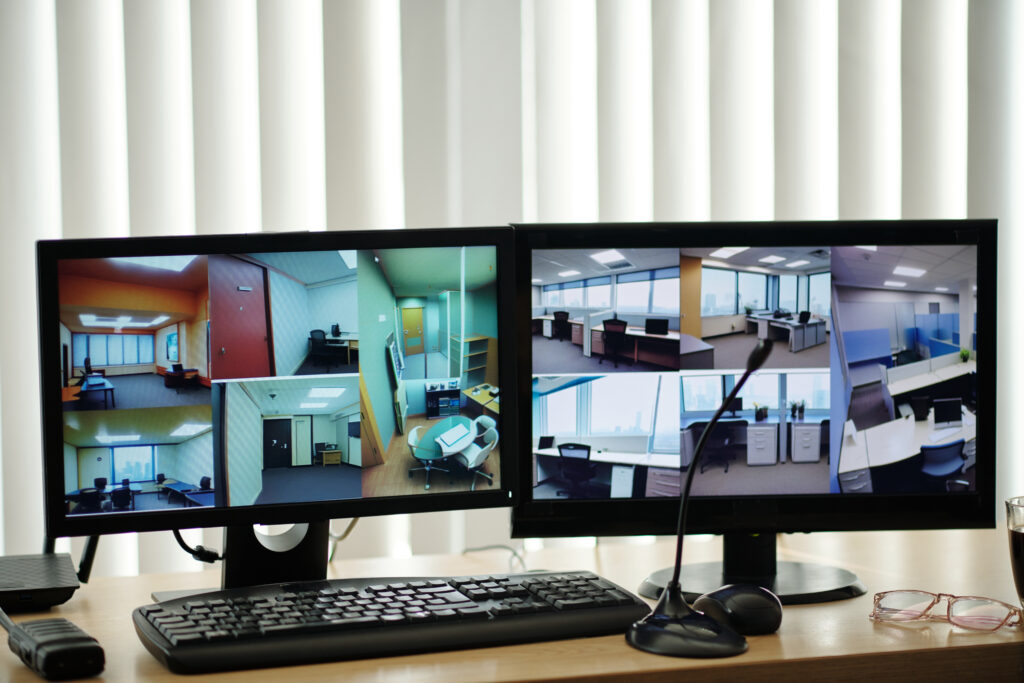
2. What Is an NVR Security Camera System? (Featured Definition)
An nvr security camera system records video from IP (internet protocol) cameras over a network, storing footage digitally on a network video recorder. Unlike older systems, it delivers higher resolution, remote access, and scalable storage, making it well-suited for modern Australian homes and businesses.
3. How an NVR Security Camera System Works in Australia
At a practical level, an NVR security camera system connects IP cameras to a local network usually via Ethernet with Power over Ethernet (PoE). Each camera processes video internally and sends digital footage to the NVR for recording and playback.
In Australia, this setup works well because:
- The NBN supports stable broadband for remote viewing.
- Modern routers easily handle PoE switches.
- IP cameras comply with global networking standards, making sourcing and replacement easier.
Footage is stored locally on hard drives inside the NVR, while authorised users can securely access live or recorded video via mobile apps or browsers.
4. NVR vs DVR Systems: Key Differences for Australian Users
| Feature | NVR Security Camera System | DVR System |
|---|---|---|
| Camera Type | IP (digital) cameras | Analogue cameras |
| Video Quality | Typically 4MP–12MP+ | Usually lower |
| Cabling | Ethernet (PoE) | Coaxial |
| Scalability | Easy to expand | Limited |
| Best For | Modern Australian setups | Legacy systems |
In most new Australian installations, NVR systems are preferred due to image quality and flexibility.
5. Why Australians Are Choosing NVR Security Camera Systems
Several factors drive adoption across Australia:
- Higher resolution footage helps with identification.
- Remote access suits mobile lifestyles and multi-site businesses.
- Future-proofing aligns with long equipment lifecycles.
According to guidance from Standards Australia, digital and IP-based systems align better with evolving security infrastructure standards (Standards Australia).
6. Core Components of an NVR Security Camera System
A typical system includes:
- IP cameras (fixed, dome, bullet, or PTZ)
- Network Video Recorder (NVR)
- PoE switch or integrated PoE NVR
- Hard drives rated for surveillance use
- Network router and cabling
From hands-on experience, choosing surveillance-grade hard drives significantly reduces failure rates in Australian heat conditions.
7. Internet, Bandwidth, and Storage Considerations in Australia
An NVR security camera system records locally, so internet speed mainly affects remote viewing, not recording. However:
- Higher resolutions need more local storage.
- Motion-based recording saves space.
- Many Australians opt for 14–30 days of retention as a balance.
The Australian Cyber Security Centre (ACSC) also recommends limiting unnecessary internet exposure for connected devices to reduce risk (ACSC).
8. Cybersecurity and Privacy Basics (Administrative, Not Legal Advice)
Using an NVR system involves administrative responsibilities:
- Strong passwords and two-factor authentication
- Regular firmware updates
- Restricted user permissions
For privacy, the Office of the Australian Information Commissioner (OAIC) outlines how surveillance should respect reasonable expectations in workplaces and public-facing areas (OAIC guidance). Always treat this as general administrative guidance, not legal advice.
9. Installation Options: DIY vs Professional Setup
DIY installations suit small homes with 2-4 cameras. However, Australian businesses often choose professional setup to ensure:
- Correct camera placement
- Network stability
- Clean cable management
If you’re planning a tailored setup, working with an experienced local provider like professional NVR security camera system solutions in Australia can reduce long-term issues and downtime.
10. Choosing the Right NVR Security Camera System (Checklist)
Numbered Checklist:
- Confirm camera resolution needs (4MP, 8MP, etc.)
- Calculate required storage days
- Check PoE capacity
- Ensure mobile app compatibility
- Review privacy and access controls
This step-by-step approach prevents over- or under-buying.
11. Cost Expectations in Australia
Estimated ranges (indicative only):
- Small home system: AUD $800–$1,800
- Small business system: AUD $2,000–$5,000+
Costs vary based on camera quality, storage, and installation complexity.
12. People Also Ask: NVR Security Camera System
Is an NVR security camera system better than DVR?
For most Australian users, yes. NVR systems offer better video quality, easier expansion, and modern network integration.
Do NVR systems work without internet?
Yes. Recording continues locally; internet is only needed for remote viewing.
How long does footage last on an NVR?
Typically 7–30 days, depending on storage size and recording settings.
Are NVR security camera systems legal in Australia?
They’re generally allowed when used responsibly. Administrative privacy guidance should always be followed.
13. FAQs: Expert Q&A on NVR Security Camera Systems
What resolution is ideal for Australian conditions?
8MP (4K) offers strong clarity for identification in varied lighting.
Can I add cameras later to my NVR system?
Most NVRs support expansion within channel limits.
Do NVR systems support night vision?
Yes, through infrared or low-light sensor technology.
Is cloud storage required?
No. Local storage is standard; cloud is optional.
How often should NVR firmware be updated?
Check quarterly or when security patches are released.
14. Conclusion and Next Steps
An nvr security camera system offers Australians a reliable, scalable way to protect property with clear footage and remote access. By understanding how these systems work, comparing options carefully, and following administrative best practices, you can choose a solution that fits today and adapts tomorrow. If you’re ready to explore a setup tailored to your needs, consider speaking with a trusted Australian security specialist to plan the next step.