
On this page17
- What Is Commercial Security Installation?
- Why Australian Businesses Invest in Security Installation
- What a Commercial Security System Can Include
- How the Installation Process Works
- Commercial Security Installation Checklist
- Australia-Specific Compliance and Admin Considerations
- Comparing Wired, Wireless, and Hybrid Security Systems
- CCTV, Alarms, Access Control, and Monitoring Explained
- Cyber Security Risks in Modern Security Installations
- Common Mistakes to Avoid
- How to Choose a Commercial Security Installer
- Maintenance After Commercial Security Installation
- Commercial Security Installation for Different Business Types
- Budgeting for Commercial Security Installation
- People Also Ask
- Expert Q&A
- Conclusion
Not sure what your site needs?
A technical consultant from our Hallam office will look at the site and recommend a system, free of charge.
Request an assessment 1300 66 11 99Commercial security installation is one of the most important decisions an Australian business can make when protecting staff, customers, property, data, stock, and day-to-day operations. From my experience working with business security planning, the strongest results come when security is designed around real risks, not just equipment lists.
A well-planned installation does more than add cameras or alarms. It helps a business control access, deter theft, respond faster to incidents, support insurance discussions, and create a safer workplace. However, every site is different. A warehouse, medical clinic, school, retail store, strata building, and office all need a different mix of technology, policies, and maintenance.
This guide explains how commercial security installation works in Australia, what systems are commonly included, what to ask before hiring an installer, and how to plan a system that stays useful over time.
Table of Contents
- What Is Commercial Security Installation?
- Why Australian Businesses Invest in Security Installation
- What a Commercial Security System Can Include
- How the Installation Process Works
- Commercial Security Installation Checklist
- Australia-Specific Compliance and Admin Considerations
- Comparing Wired, Wireless, and Hybrid Security Systems
- CCTV, Alarms, Access Control, and Monitoring Explained
- Cyber Security Risks in Modern Security Installations
- Common Mistakes to Avoid
- How to Choose a Commercial Security Installer
- Maintenance After Installation
- People Also Ask
- Expert Q&A
- Conclusion
What Is Commercial Security Installation?
Commercial security installation is the professional design, setup, testing, and handover of security systems for business premises. It can include CCTV, alarms, access control, intercoms, monitoring, sensors, and networked devices. In Australia, good installation also considers licensing, privacy, cyber security, staff procedures, and maintenance.
Why Australian Businesses Invest in Security Installation
Australian businesses invest in commercial security installation because risk is rarely limited to one issue. A break-in may cause stock loss, but it can also create downtime, insurance paperwork, staff stress, and customer disruption. Therefore, a good system should reduce both the likelihood and impact of incidents.
For example, a small retailer may need CCTV at entry points, panic buttons, and after-hours alarm monitoring. Meanwhile, a warehouse may need perimeter detection, vehicle gate access, camera coverage for loading docks, and staff access control. A professional office may need visitor management, restricted areas, and clean audit records.
From my experience, business owners often start by asking, “How many cameras do I need?” However, the better question is, “What risks do we need to manage?” Once that is clear, equipment choices become more logical.
Commercial security installation can help with:
- Deterring unauthorised entry
- Recording incidents clearly
- Managing staff, visitor, and contractor access
- Supporting workplace safety processes
- Reducing blind spots around buildings
- Improving after-hours response
- Creating audit trails for sensitive areas
- Protecting high-value stock, tools, files, or equipment
However, no system can guarantee complete protection. Security works best as a layered approach that combines technology, procedures, staff training, lighting, locks, signage, and regular reviews.
What a Commercial Security System Can Include
A commercial security installation may include several connected systems. The right mix depends on the site layout, business hours, risk profile, budget, and operational needs.
CCTV for Commercial Security Installation
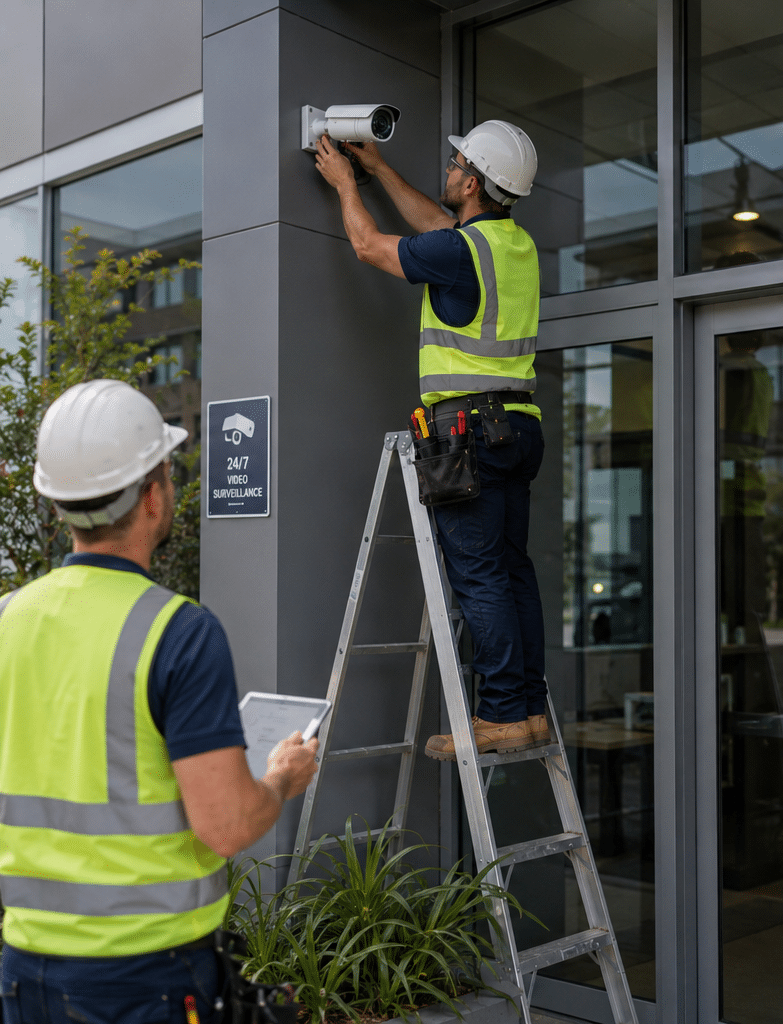
CCTV is often the most visible part of a business security system. It can record activity, support investigations, and help managers understand what happened during an incident.
Common commercial CCTV components include:
- Fixed cameras for entries, counters, corridors, and loading areas
- Dome cameras for indoor spaces
- Bullet cameras for outdoor long-range views
- Turret cameras for general use
- Network video recorders or cloud-managed recording
- Monitors for reception or control rooms
- Mobile viewing for authorised managers
- Video analytics, where suitable
However, CCTV should be positioned carefully. Cameras should focus on business security needs, not unnecessary monitoring. According to the Office of the Australian Information Commissioner security camera guidance, organisations using surveillance devices such as security cameras generally need to follow several laws. This is why camera placement, signage, access to recordings, and retention periods should be handled thoughtfully.
Alarm Systems
Commercial alarm systems detect unauthorised entry or unusual activity. They may include door contacts, motion detectors, glass-break sensors, reed switches, sirens, keypads, duress buttons, and monitoring connections.
A basic alarm may suit a small office. However, larger sites often need partitioned areas, so different zones can be armed separately. For example, a warehouse may keep the office disarmed during admin work while the storage area remains protected.
Access Control
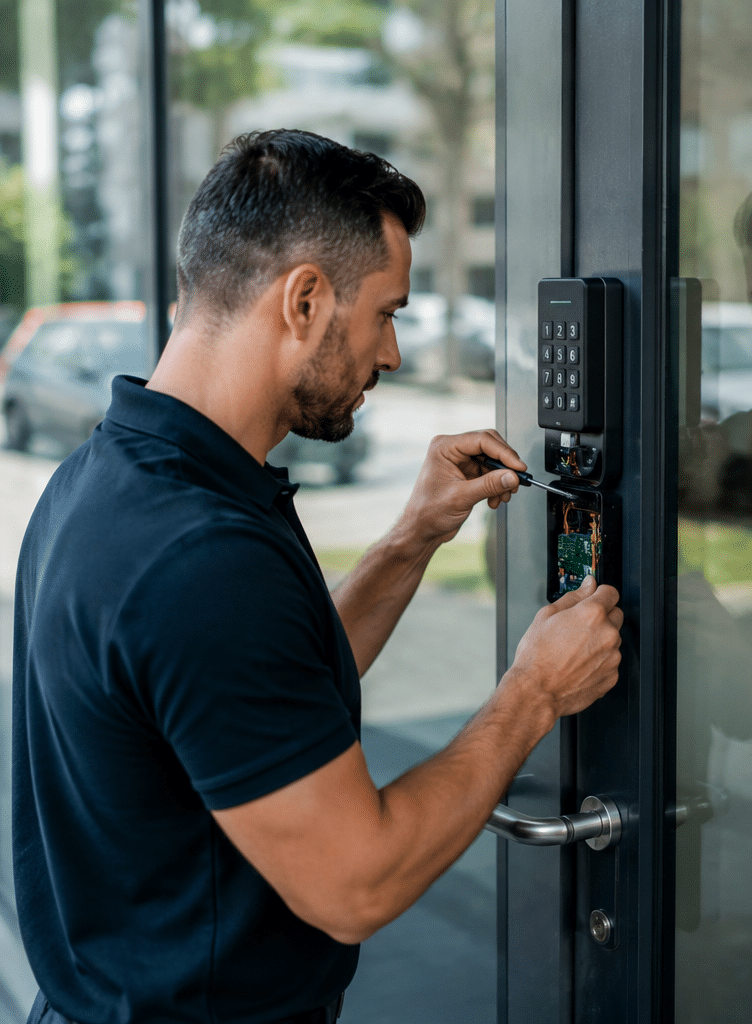
Access control lets a business manage who can enter specific areas and when. It may use cards, fobs, mobile credentials, PINs, biometric readers, or electronic locks.
Access control is useful for:
- Staff-only rooms
- Server rooms
- Plant rooms
- Medical storage
- Stockrooms
- Education facilities
- Shared commercial buildings
- Gyms and after-hours premises
Because access control creates records, businesses should decide who manages permissions, how quickly former staff are removed, and how visitor access is handled.
Intercoms and Visitor Entry
Intercoms help businesses manage visitors before granting access. They are common in offices, warehouses, clinics, strata buildings, and gated sites.
Modern intercoms may include video, mobile answering, remote door release, and integration with access control. However, remote access should be secured properly to reduce misuse.
Security Monitoring
Monitoring connects the alarm system to a response process. Depending on the setup, alerts may go to a control room, business owner, security patrol, or nominated staff member.
Monitoring is valuable because alarms are only useful when someone responds. Therefore, every business should define what happens after an alarm, who is contacted, and when police or patrol attendance is appropriate.
Vape Detection, Environmental Sensors, and Specialist Devices
Some businesses, schools, and public facilities may need specialist sensors. These may include vape detectors, temperature sensors, leak sensors, asset tracking, or panic alarms.
However, specialist devices should always be installed for a clear operational purpose. Otherwise, they can create unnecessary alerts and maintenance issues.
How the Installation Process Works
A professional commercial security installation should follow a structured process. This reduces confusion, prevents poor camera placement, and helps the business understand how to use the system after handover.
1. Site Assessment
The installer should inspect the site before recommending hardware. During this stage, they look at entries, exits, lighting, blind spots, walls, roof access, network points, power, cabling paths, business hours, and high-risk areas.
From my experience, this stage is where many future problems are prevented. For example, a camera facing strong afternoon sun may produce poor footage. A motion detector near moving stock or an air-conditioning vent may create false alarms. A reader placed too far from a door may frustrate staff.
2. Risk Review
Next, the installer should discuss likely security scenarios. These may include burglary, internal theft, unauthorised access, vandalism, aggressive customers, vehicle incidents, or after-hours trespass.
This does not need to be complicated. However, it should be practical. A café, construction office, logistics warehouse, and professional services firm all face different risks.
3. System Design
The design should match the risks. It should show camera positions, alarm zones, access-controlled doors, recording locations, network requirements, and monitoring arrangements.
A clear design also helps compare quotes. Without one, businesses may compare two very different systems and assume the cheaper option is better.
4. Quote and Scope
The quote should explain what is included and excluded. It should list hardware, labour, cabling, licences, monitoring fees, cloud subscriptions, warranty details, and maintenance options.
Businesses should also ask whether the quote includes training, documentation, remote access setup, and post-installation support.
5. Installation
During installation, technicians mount devices, run cables, connect panels, configure software, test power, set user permissions, and check network settings.
Good installers also work around business operations. For example, they may schedule disruptive work outside trading hours or complete high-traffic areas first.
6. Testing
Testing is essential. Each camera, alarm zone, reader, siren, notification, and recording function should be checked. For monitored alarms, the installer should confirm signal transmission and response details.
7. Handover and Training
The business should receive basic training. Staff should know how to arm and disarm the system, view footage, request video exports, manage access permissions, and report faults.
Handover should also include documentation. This may include device lists, warranty information, user guides, maintenance schedules, and admin contacts.
Commercial Security Installation Checklist
Use this checklist before approving a commercial security installation.
- Define the risks. List the incidents you want to prevent, detect, or investigate.
- Map the site. Mark entries, exits, blind spots, public areas, restricted areas, and high-value assets.
- Review lighting. Check whether cameras will work clearly during the day and at night.
- Confirm licensing expectations. Ask whether the installer holds relevant state or territory security licences.
- Plan privacy notices. Decide where signage and internal staff notices may be needed.
- Check cyber security. Change default passwords, limit remote access, and update firmware.
- Choose storage settings. Decide how long footage is retained and who can access it.
- Set user permissions. Give each staff member only the access they need.
- Test every device. Confirm cameras, sensors, alarms, locks, and alerts work correctly.
- Create a response plan. Decide who responds to alerts and what they should do.
- Schedule maintenance. Plan regular checks for cameras, batteries, sensors, and software.
- Review after incidents. Use real events to improve coverage and procedures.
Australia-Specific Compliance and Admin Considerations
Commercial security installation in Australia involves more than technology. Businesses also need to consider licensing, privacy, workplace policies, and cyber security administration.
This section is general information only. It is not legal advice. For site-specific legal obligations, businesses should speak with an appropriate professional or regulator.
Security Licensing
Security licensing is handled at state and territory level in Australia. Requirements can vary depending on the type of work, business structure, and jurisdiction. The Australian Security Industry Association Limited licensing guidance explains that licensing requirements differ across Australian states and territories.
As a business owner or manager, you do not need to become a licensing expert. However, you should ask your installer whether they are appropriately licensed for the work they perform in your location.
Privacy and CCTV
Security cameras can capture personal information. Therefore, camera use should be reasonable, necessary, and clearly managed.
Practical privacy admin may include:
- Using visible signage
- Avoiding unnecessary camera coverage
- Limiting who can access footage
- Setting retention periods
- Documenting why cameras are used
- Managing requests for footage carefully
- Reviewing workplace surveillance obligations
In workplaces, surveillance rules may involve federal, state, and territory considerations. Therefore, businesses should treat CCTV as both a security tool and an administrative responsibility.
Cabling and Network Work
Many commercial security systems now use network cabling, internet-connected devices, cloud platforms, and remote access. As a result, installation should be coordinated with IT support where needed.
Poor network planning can cause slow video, unreliable access, security gaps, and remote viewing issues. Therefore, larger sites should involve both the security installer and IT team early.
Insurance and Documentation
Some insurers may ask about alarms, monitoring, locks, CCTV, or access control. While security does not guarantee lower premiums, accurate documentation can support insurance discussions.
Keep records of:
- Installation dates
- Installed devices
- Monitoring arrangements
- Maintenance visits
- System faults and repairs
- User access changes
- Incident footage exports
These records help prove that the system is maintained and used responsibly.
Comparing Wired, Wireless, and Hybrid Security Systems
The best system type depends on the building, risk level, budget, and future plans.
| System Type | Best For | Strengths | Limitations |
| Wired security system | Warehouses, offices, retail, permanent sites | Reliable, strong for CCTV and access control, less battery dependence | More installation work, cabling may be harder in finished buildings |
| Wireless security system | Smaller premises, temporary sites, difficult cabling areas | Faster installation, flexible device placement | Battery maintenance, signal interference, device limits |
| Hybrid security system | Growing businesses and mixed-use sites | Combines wired reliability with wireless flexibility | Needs careful design to avoid complexity |
| Cloud-managed system | Multi-site businesses and remote managers | Easier remote management, central visibility | Ongoing subscriptions and internet dependence |
| On-premise recording | Sites needing local control over footage | Local storage, less cloud reliance | Needs physical protection and maintenance |
In many commercial security installation projects, a hybrid approach works best. For example, CCTV and access control may use wired connections, while a few wireless sensors cover difficult areas.
CCTV, Alarms, Access Control, and Monitoring Explained
A good commercial security installation combines layers. Each layer does a different job.
CCTV Records and Verifies
CCTV helps verify what happened. It can show who entered, when an incident occurred, and whether an alarm was genuine. However, CCTV is not a physical barrier. It should support locks, access control, alarms, and procedures.
Alarms Detect and Alert
Alarms detect activity when a site should be secure. They are especially useful after hours. However, false alarms can reduce trust in the system, so correct sensor placement and staff training matter.
Access Control Manages Movement
Access control helps prevent unauthorised movement inside the building. It also supports accountability because access events can be recorded.
Monitoring Supports Response
Monitoring helps turn alerts into action. However, monitoring should be backed by a clear response plan. Otherwise, alerts may be missed or handled inconsistently.
Cyber Security Risks in Modern Security Installations
Modern commercial security installation often involves internet-connected cameras, mobile apps, cloud dashboards, and remote support. This creates convenience, but it also adds cyber security risk.
The Australian Cyber Security Centre guidance on IoT devices includes security cameras as examples of internet-connected devices and recommends practical steps such as changing default passwords and keeping devices updated.
For business security systems, useful cyber hygiene includes:
- Changing all default usernames and passwords
- Using strong, unique passwords
- Enabling multi-factor authentication where available
- Keeping firmware and software updated
- Restricting remote access to authorised users
- Removing accounts for former staff
- Separating security devices from guest Wi-Fi
- Backing up important configuration details
- Reviewing user permissions regularly
This matters because a poorly secured camera system can become a business risk. Attackers may try to view footage, disrupt recording, or use weak devices as a pathway into a network.
Common Mistakes to Avoid
Even good equipment can perform poorly if the planning is weak. Therefore, businesses should avoid these common mistakes.
Mistake 1: Buying Equipment Before Assessing Risk
A camera pack may look affordable, but it may not cover the right areas. Start with risk, then choose equipment.
Mistake 2: Ignoring Lighting
Cameras need usable light or suitable infrared performance. Otherwise, footage may be too dark, overexposed, or unclear.
Mistake 3: Poor Camera Angles
A camera mounted too high may show the top of a person’s head but not their face. A camera aimed too wide may miss important detail.
Mistake 4: No Maintenance Plan
Security systems need testing, cleaning, battery checks, software updates, and periodic reviews. Without maintenance, performance drops over time.
Mistake 5: Shared User Logins
Shared logins make it hard to know who accessed footage or changed settings. Individual accounts are better for accountability.
Mistake 6: Weak Remote Access
Remote viewing is useful, but it should be secured. Weak passwords, old firmware, and unnecessary open ports can create avoidable risk.
Mistake 7: No Staff Training
Staff need to know how to use the system correctly. Otherwise, alarms may be left off, access cards may be shared, and incidents may not be saved properly.
How to Choose a Commercial Security Installer
Choosing the right installer is as important as choosing the right equipment. A strong installer should ask detailed questions before recommending a system.
Look for an installer who:
- Understands commercial sites, not just residential systems
- Can explain design choices clearly
- Provides itemised quotes
- Discusses licensing and admin requirements
- Offers maintenance and support
- Understands CCTV, alarms, access control, and networking
- Tests the system properly before handover
- Provides training and documentation
- Avoids exaggerated claims
- Designs for future expansion
A good installer should also talk about limitations. For example, they should explain where cameras may not identify faces clearly, where wireless devices may be unsuitable, or where lighting should be improved.
For Australian businesses planning a new fit-out, upgrade, or system review, professional commercial security system support from Eclipse Security can help connect the right technology with practical site needs.
Maintenance After Commercial Security Installation
Commercial security installation is not a one-time task. Systems need ongoing care to remain reliable.
What Should Be Checked?
A maintenance visit may include:
- Cleaning camera lenses
- Checking camera views
- Testing alarm sensors
- Testing sirens and strobes
- Checking backup batteries
- Reviewing event logs
- Confirming recording retention
- Updating firmware where appropriate
- Testing access control readers
- Removing old users
- Checking monitoring signals
- Confirming time and date settings
How Often Should Maintenance Happen?
The right schedule depends on the site. As a general estimate, many commercial sites benefit from at least annual maintenance. Higher-risk or high-traffic sites may need more frequent checks.
For example, a busy warehouse with dust, forklifts, and outdoor cameras may need more attention than a small office. Similarly, businesses with compliance-sensitive areas may need regular access reviews.
Why Maintenance Matters
Maintenance helps prevent small issues from becoming major failures. A dirty camera lens, flat backup battery, or disconnected sensor may not be noticed until footage or alerts are needed.
Therefore, maintenance should be treated as part of the security plan, not an optional extra.
Commercial Security Installation for Different Business Types
Different industries need different security priorities.
Retail Stores
Retail businesses often need CCTV at entrances, counters, stock areas, and cash-handling points. They may also need duress buttons and monitored alarms.
The aim is not only theft prevention. It is also staff safety, incident review, and customer dispute management.
Warehouses and Industrial Sites
Warehouses often need perimeter coverage, loading dock cameras, vehicle access control, and after-hours detection.
Because these sites may be large, installers should consider camera range, lighting, cable routes, and weather exposure.
Offices
Offices may focus on access control, visitor entry, alarm systems, and CCTV for shared areas. Server rooms, document storage, and executive areas may need restricted access.
Medical and Allied Health Clinics
Clinics often need secure entry, staff-only areas, and careful privacy management. Cameras should be placed for safety and security without unnecessary coverage of sensitive areas.
Schools and Education Facilities
Education sites may require CCTV, access control, duress buttons, vape detection, and visitor management. However, planning should carefully consider privacy, student safety, and staff procedures.
Strata and Multi-Tenant Buildings
Shared buildings often need intercoms, access control, car park coverage, lift access, and common-area CCTV. Clear management rules are important because multiple users may need different permissions.
Budgeting for Commercial Security Installation
Costs vary widely. A small shop may need a simple alarm and several cameras. A larger commercial site may require integrated CCTV, access control, intercoms, monitoring, network switches, and structured cabling.
Main cost factors include:
- Number of cameras
- Camera quality and features
- Number of doors under access control
- Alarm zones and sensors
- Cabling complexity
- Building size and construction
- Monitoring requirements
- Cloud subscriptions
- After-hours work
- Maintenance plans
- Integration with existing systems
As a result, estimates should be treated carefully. The cheapest quote may omit important items, while the most expensive quote may include features the business does not need.
A useful quote should explain why each component is included.
People Also Ask
What is included in commercial security installation?
Commercial security installation can include CCTV, alarm systems, access control, intercoms, monitoring, cabling, software setup, testing, and user training. The exact scope depends on the site’s risks, layout, business hours, and response needs.
Do Australian businesses need licensed security installers?
Security licensing requirements vary by state and territory in Australia. Businesses should ask installers whether they hold the relevant licence for the work and location, and they should keep licence details with project records.
How much does commercial security installation cost in Australia?
Costs vary based on site size, cabling, camera numbers, access-controlled doors, monitoring, and system complexity. A small business may need a modest setup, while a warehouse or multi-site operation may need a larger integrated design.
Is CCTV enough for business security?
CCTV is useful, but it is not enough by itself. Businesses usually get better protection from layered security, including locks, alarms, access control, lighting, monitoring, staff procedures, and maintenance.
How long does a commercial security installation take?
A small installation may be completed quickly, while larger or more complex sites may require staged work. Timing depends on cabling access, business hours, building conditions, approvals, and the number of devices being installed.
Expert Q&A
1. What should I ask before approving a commercial security installation quote?
Ask what risks the system is designed to manage, what hardware is included, what is excluded, whether the installer is appropriately licensed, and what support is provided after installation. Also ask how footage, user access, remote viewing, and maintenance will be handled.
2. Should my business choose cloud or local CCTV recording?
Cloud recording can help multi-site managers access footage easily, while local recording may suit businesses that want more direct control over storage. The best option depends on internet reliability, budget, retention needs, cyber security settings, and operational preferences.
3. Can a commercial security system be upgraded later?
Yes, many systems can be expanded if they are designed well from the start. Businesses should ask about spare recorder capacity, network capacity, extra alarm zones, access control expansion, and software licensing before installation.
4. Who should have access to CCTV footage?
Access should be limited to authorised people with a genuine business need. For example, managers may need review access, while general staff may not. Individual logins, audit records, and clear internal procedures help reduce misuse.
5. What is the most overlooked part of commercial security installation?
The most overlooked part is often handover. A system may be technically sound, but if staff do not know how to use it, the business may miss alerts, lose footage, or fail to update access permissions when people leave.
Conclusion
Commercial security installation in Australia should be practical, risk-based, and easy to manage after handover. The best systems combine CCTV, alarms, access control, monitoring, cyber security, staff procedures, and regular maintenance.
However, technology alone is not enough. Businesses should choose licensed and experienced installers, document system settings, train staff, and review security as the site changes.
If you are planning a new system, upgrading an older setup, or reviewing gaps in your current protection, start with the risks first. Then design a system that supports your people, premises, and operations every day.