

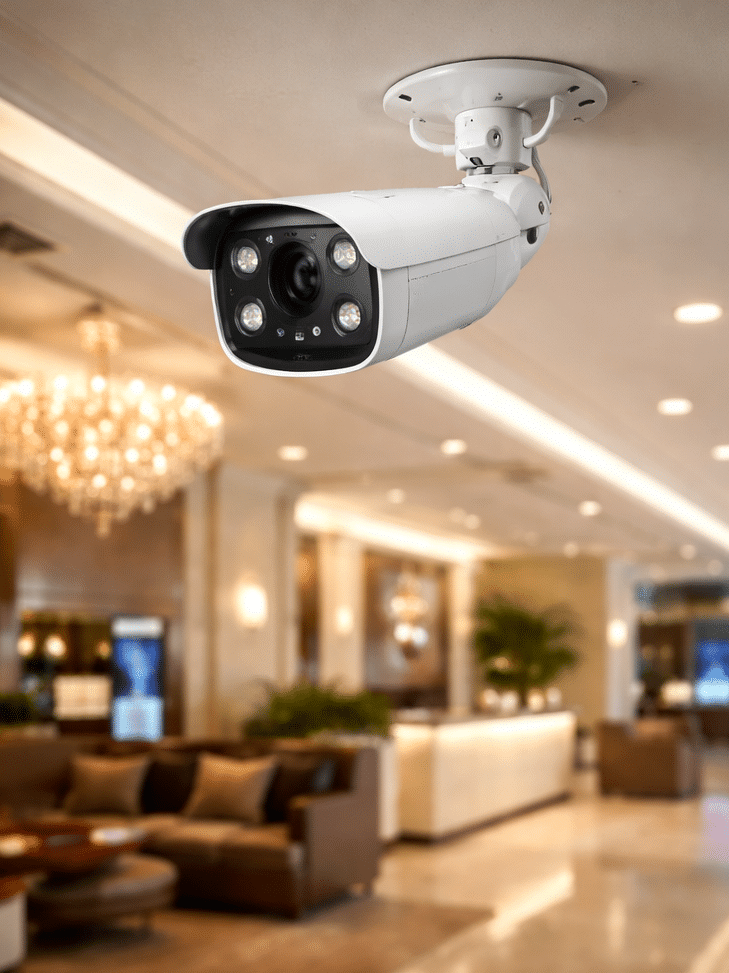
Best Security Camera Systems in Australia: The Complete Expert Guide
Table of Contents
- Introduction
- Featured Snippet Definition: Best Security Camera Systems
- Why Security Camera Systems Matter in Australia
- Types of Security Camera Systems Explained
- Key Features to Look for in the Best Security Camera Systems
- Wired vs Wireless Security Cameras (Comparison Table)
- Best Security Camera Systems for Homes in Australia
- Best Security Camera Systems for Businesses in Australia
- Installation and Setup Checklist
- Storage Options: Cloud vs Local Recording
- Cybersecurity and Privacy Considerations
- Australian Standards and Compliance (Administrative Overview)
- People Also Ask (PAA) Questions Australians Search
- Expert Q&A Section (Advanced FAQs)
- Conclusion + Next Steps
1. Introduction
If you’re searching for the best security camera systems, you’re not alone. Across Australia, homeowners and business owners are increasingly investing in modern CCTV solutions to protect property, deter intruders, and gain peace of mind.
From my experience working with security-focused clients, the biggest challenge isn’t choosing any camera — it’s choosing the right system for Australian conditions, budgets, and everyday needs. Whether you live in suburban Sydney, coastal Brisbane, or run a warehouse in Melbourne, the right setup can make a real difference.
This guide will walk you through practical, fact-based advice so you can confidently choose the best option.
2. Featured Snippet Definition
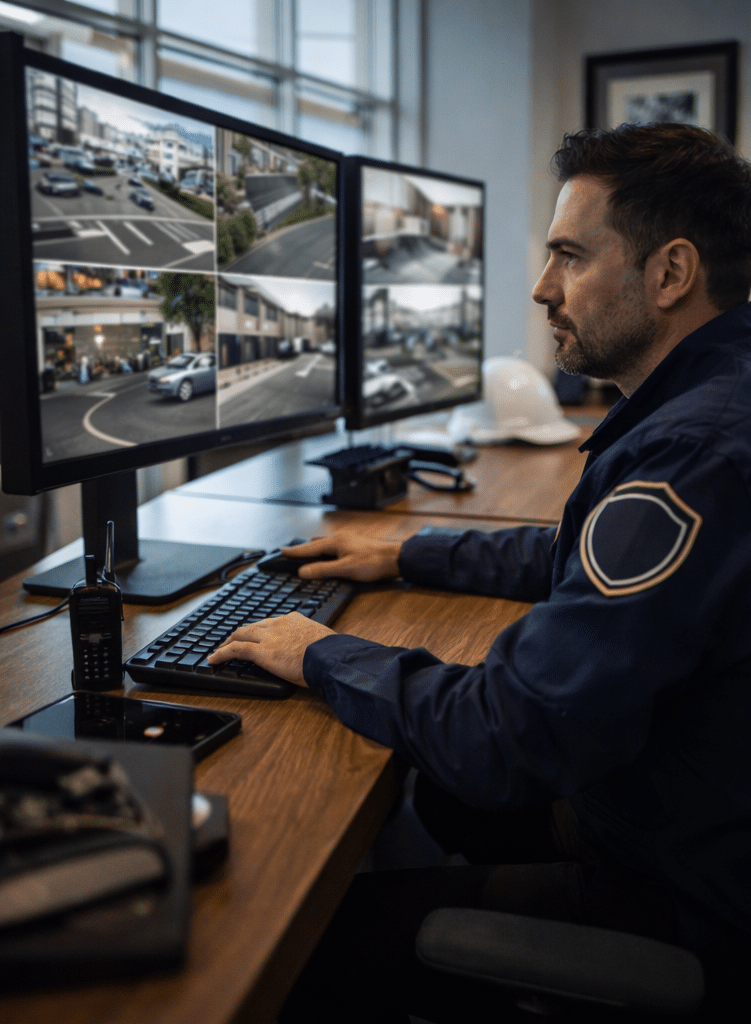
The best security camera systems are complete surveillance solutions that combine cameras, recording storage, remote access, and smart detection features to protect homes or businesses. In Australia, the best systems offer weather resistance, reliable night vision, secure video storage, and easy monitoring through mobile apps.
3. Why Security Camera Systems Matter in Australia
Australia has unique factors that make security systems especially valuable:
- Large suburban properties with multiple entry points
- Harsh outdoor weather (heat, storms, salt air)
- Increasing package theft and property crime concerns
- Growing demand for smart home integration
4. Types of Security Camera Systems Explained
Understanding the main categories helps narrow down your options.
CCTV (Closed-Circuit Television)
Traditional CCTV systems are commonly used in businesses and larger properties. They typically include:
- Multiple wired cameras
- A central recorder (DVR/NVR)
- Continuous recording
IP Security Camera Systems
IP (Internet Protocol) cameras send video digitally over a network. They are popular because they offer:
- Higher resolution
- Remote viewing
- Smart analytics
Smart Home Security Cameras
These are app-based systems designed for households, often wireless, such as doorbell cameras and indoor monitoring units.
5. Key Features to Look for in the Best Security Camera Systems
When Australians search Google for the best security camera systems, these are the features that matter most.
1. High Resolution (1080p–4K)
Clear footage is essential for identifying faces or number plates.
2. Night Vision Performance
Look for infrared or colour night vision for low-light Australian streets.
3. Weatherproof Ratings
Outdoor cameras should be rated at least IP66 for rain and dust protection.
4. Motion Detection + Smart Alerts
AI-based detection reduces false alarms from pets, wind, or passing cars.
5. Secure Remote Access
Remote monitoring is convenient, but it must be protected with encryption and strong authentication.
The Australian Cyber Security Centre (ACSC) recommends keeping IoT devices updated and using strong passwords to prevent hacking.
Source: Australian Cyber Security Centre
6. Wired vs Wireless Security Cameras (Comparison Table)
| Feature | Wired Systems | Wireless Systems |
|---|---|---|
| Reliability | Very stable | Depends on Wi-Fi strength |
| Installation | Professional setup often needed | Easier DIY installation |
| Best For | Businesses, large homes | Apartments, small homes |
| Video Quality | Usually higher (4K ready) | Good, but bandwidth limited |
| Ongoing Costs | Minimal after install | May require subscriptions |
7. Best Security Camera Systems for Homes in Australia
For Australian households, the best systems balance affordability with strong coverage.
Ideal Home System Includes:
- 2–6 cameras
- Doorbell camera option
- Mobile app monitoring
- Cloud + local backup
From my experience, families often benefit most from systems with:
- Wide-angle outdoor cameras
- Smart motion zones
- Easy playback for incidents
8. Best Security Camera Systems for Businesses in Australia
Businesses require more robust solutions.
Common Business Needs:
- Continuous 24/7 recording
- Multiple camera angles
- High-resolution evidence capture
- Secure storage compliance
Retail stores, warehouses, and offices often choose professional-grade NVR systems with scalable camera support.
A good business system also supports administrative compliance needs, such as safe handling of recorded footage.
9. Installation and Setup Checklist (Numbered)
Here’s a practical checklist to ensure your system is effective:
- Identify entry points (doors, driveways, side gates).
- Choose indoor vs outdoor camera placements.
- Confirm Wi-Fi strength or wired network access.
- Select recording storage (cloud or local).
- Ensure cameras are mounted out of easy reach.
- Configure motion zones to reduce false alerts.
- Enable strong passwords and two-factor authentication.
- Test night vision and glare during evening hours.
- Review footage access for household or staff.
- Schedule regular firmware updates.
10. Storage Options: Cloud vs Local Recording
Cloud Storage
Pros:
- Accessible anywhere
- Protected if recorder is stolen
Cons:
- Monthly fees
- Internet dependent
Local Storage (DVR/NVR or SD Cards)
Pros:
- No ongoing subscription
- Reliable offline recording
Cons:
- Physical device can be damaged or stolen
The best security camera systems often combine both for redundancy.
11. Cybersecurity and Privacy Considerations
Security cameras are powerful tools, but they also need protection.
Best practices include:
- Changing default passwords immediately
- Using encrypted connections
- Keeping firmware updated
- Restricting admin access
For practical guidance, you can refer to the ACCC Scamwatch resources on staying safe with connected devices.
Source: ACCC Scamwatch
12. Australian Standards and Compliance (Administrative Overview)
In Australia, CCTV use may involve administrative responsibilities, such as:
- Notifying people if surveillance is active
- Securely storing recorded footage
- Ensuring footage is only accessed by authorised persons
This is not legal advice compliance should always be reviewed with a licensed professional or local authority.
13. People Also Ask (PAA) Questions Australians Search
1. What is the best security camera system for home use in Australia?
The best home systems usually include weatherproof outdoor cameras, smart motion alerts, and remote monitoring apps. Australians often prioritise durability and night vision for suburban security.
2. Are wired security cameras better than wireless?
Wired systems are generally more reliable and better for large properties, while wireless cameras are easier to install and suit smaller homes or rentals.
3. Do security cameras work without internet?
Yes, many systems record locally without internet. However, remote viewing and cloud storage usually require an online connection.
4. How many cameras do I need for a house?
Most Australian homes benefit from 3 – 6 cameras covering front entry, backyard, driveway, and side access points.
5. Do security cameras deter burglars?
Studies suggest visible cameras can reduce opportunistic crime, especially when combined with lighting and alarms.
14. Expert Q&A Section (Advanced FAQs)
Q1. What camera resolution is best for identifying faces?
For clear identification, 2K or 4K systems are ideal, especially for driveways or business entrances.
Q2. Should I choose AI detection or basic motion alerts?
AI detection is worth it because it reduces false alarms and provides more accurate notifications.
Q3. How long should footage be stored?
Many homes store footage for 7–14 days, while businesses may require 30+ days depending on operational needs.
Q4. What is the biggest mistake people make when installing cameras?
The most common mistake is poor placement cameras should cover entry points, not just open areas.
Q5. Can professional monitoring be added later?
Yes, many systems allow upgrades to professional monitoring services if security needs increase.
15. Conclusion + Next Steps
Choosing the best security camera systems in Australia comes down to matching the right technology with your property, lifestyle, and risk level.
The best systems offer:
- Reliable coverage
- Strong night vision
- Secure storage
- Smart alerts
- Cyber-safe remote access
If you’re ready to explore a trusted Australian-focused solution, start with professional security camera guidance and tailored system options from Eclipse Security’s expert team.
A well-designed system today can provide peace of mind for years to come.